CalCheck
Is your calibration still right? Find out in minutes
CalCheck checks your current calibration without recalibrating. It compares normal autofocus shots with a high-quality reference shot and tells you how close to calibrated you are, so you know whether a lens needs calibrating again, before an important shoot rather than after.
What you get
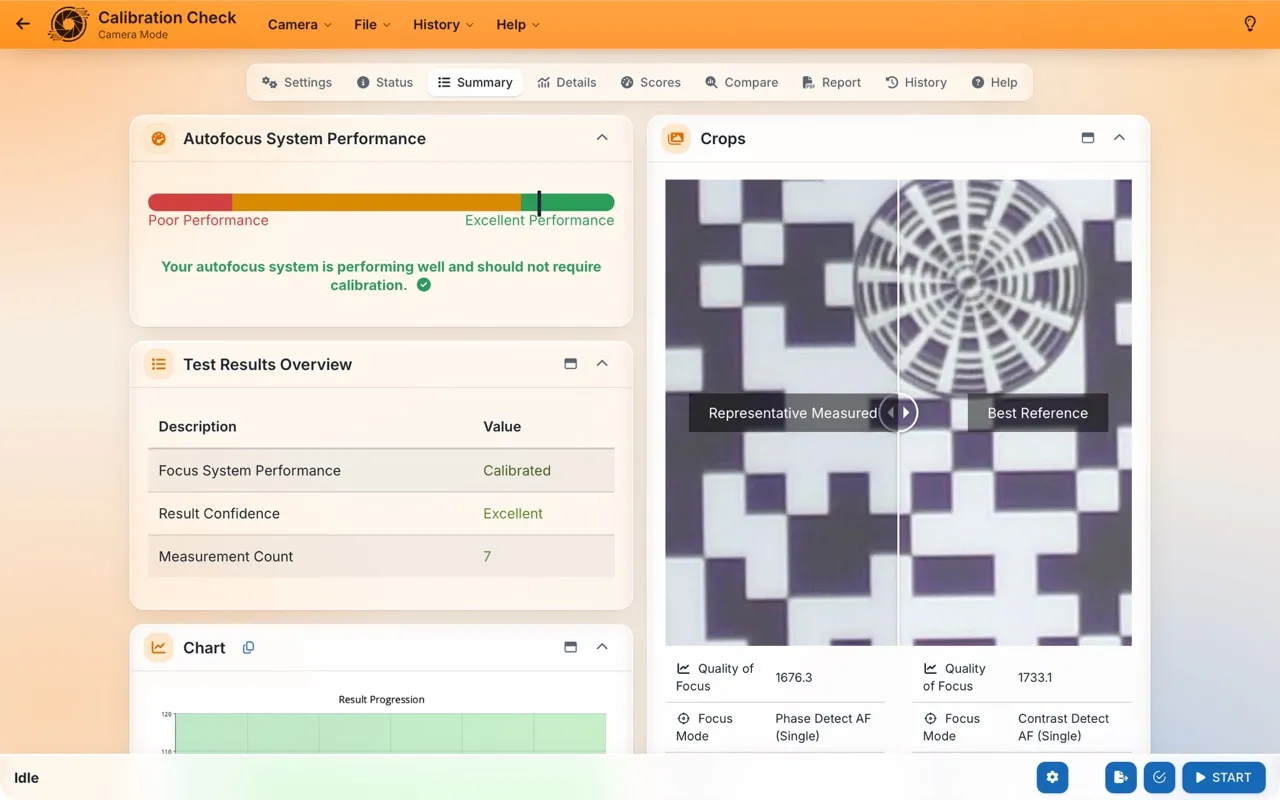
- Focus system performance: how close to calibrated your camera and lens are, as a percentage.
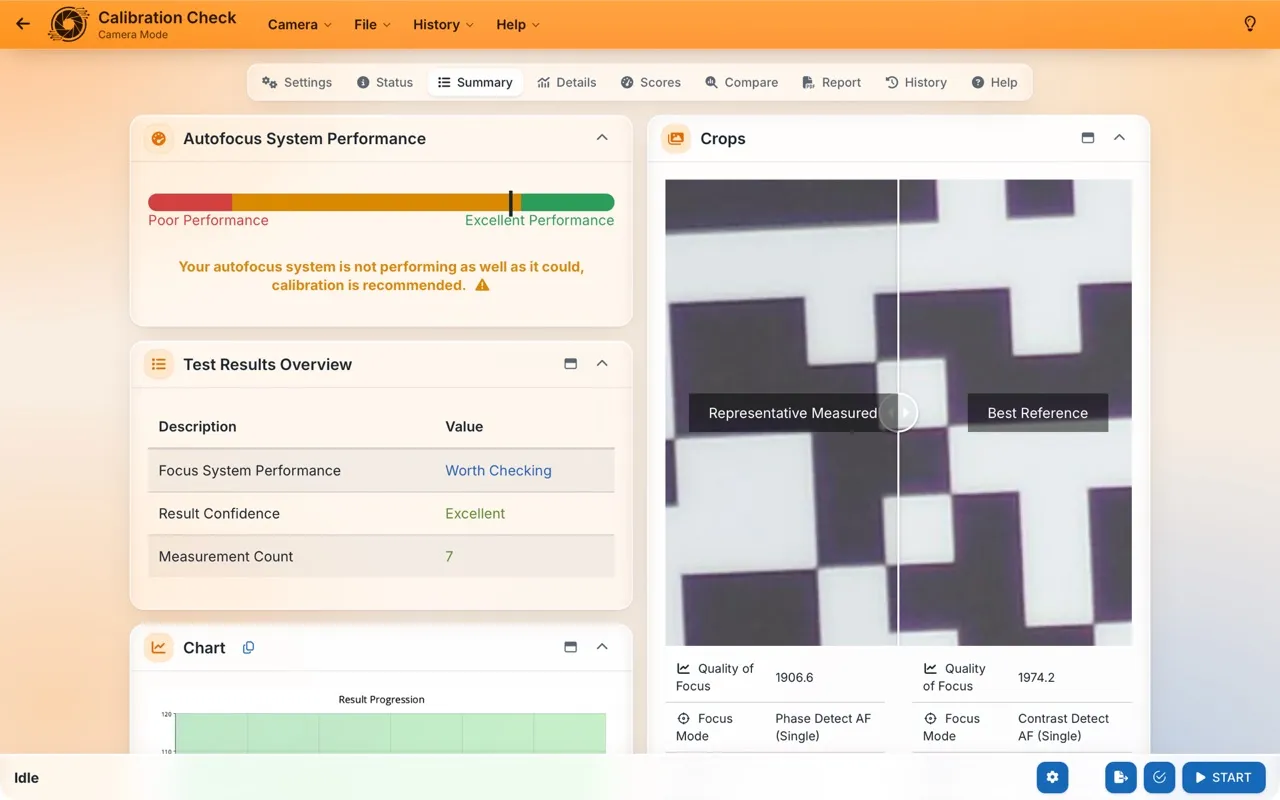
- Whether it's calibrated (90% and over), worth checking, or needs calibrating.
- Potential improvement: how much image quality calibrating would gain.
How it runs
1Set up
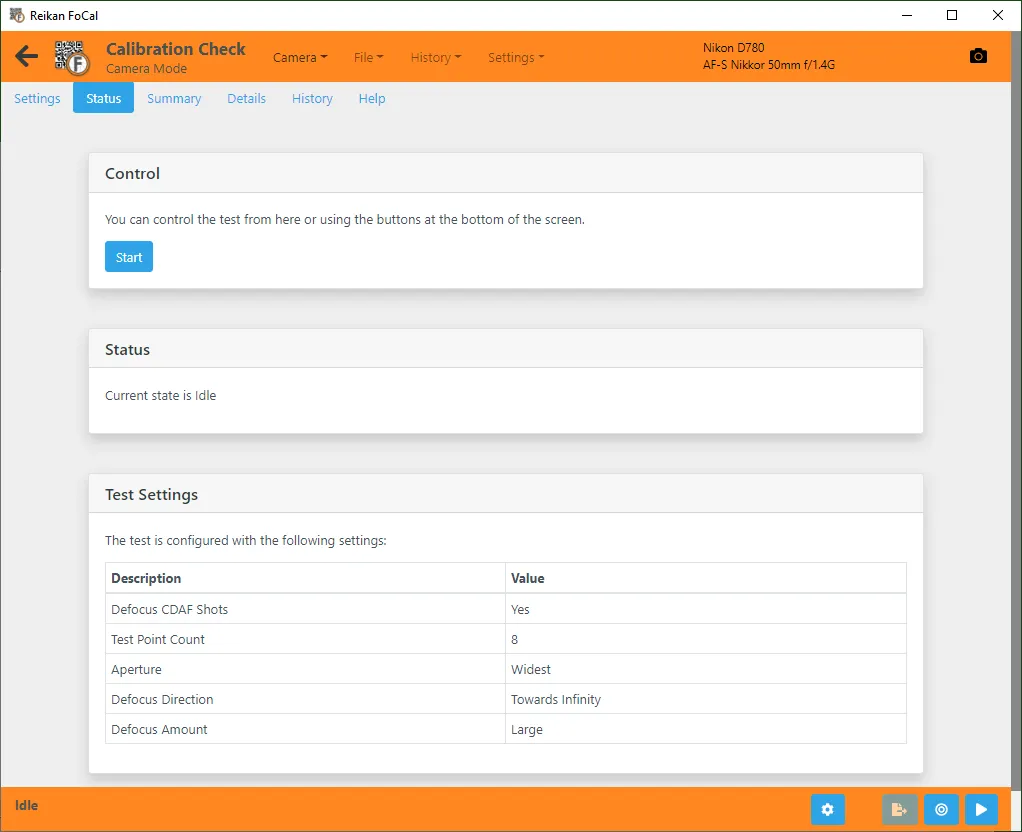
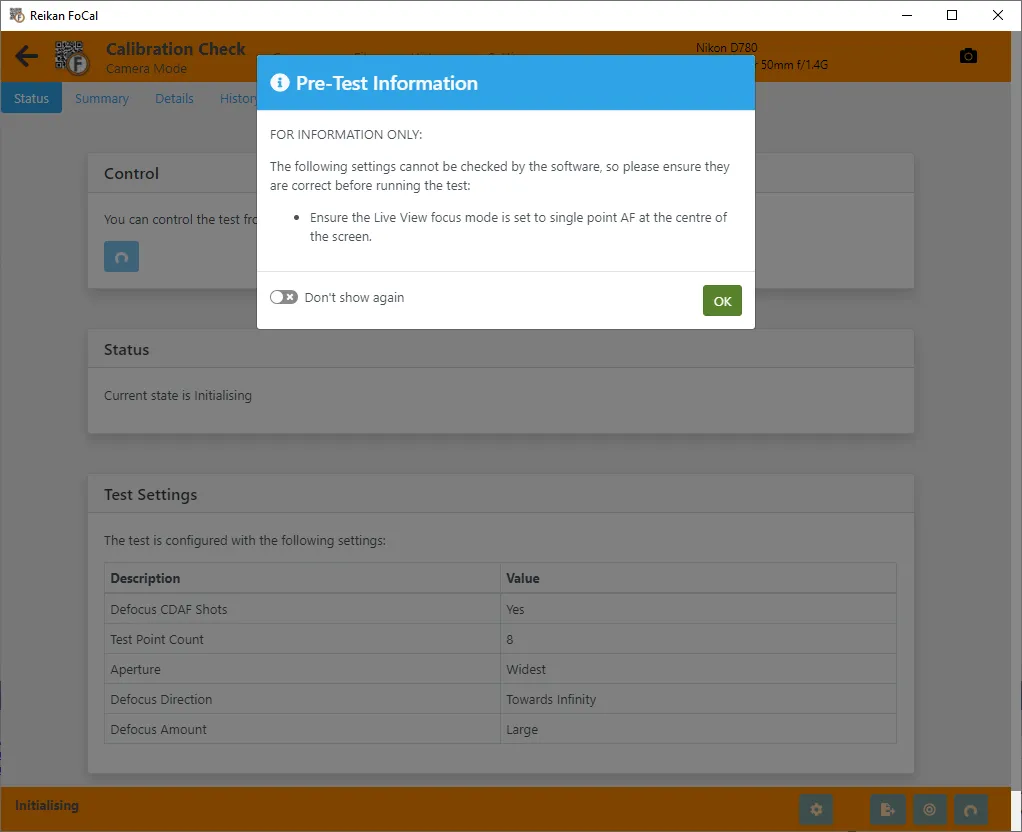
Set up the FoCal target and connect your camera, then open Calibration Check from the Camera page. Set the focus point to the centre for both the viewfinder and Live View; FoCal can't check this for you.
2Run the test
Hit Start: FoCal takes a high-quality reference shot and a set of normal autofocus shots, and compares them.
3Your answer
Read the result: if it's not calibrated, run Fully Auto to recalibrate.
Your results
The Summary shows how close to calibrated the autofocus is, comparing normal autofocus shots with the reference shot. 90% and over is calibrated; below that, it’s worth checking or recalibrating.
Over 100% means the autofocus beat the reference shot. That’s good news, though it also means FoCal can’t say exactly how good, because the reference is the best it could capture.
Over time
In FoCal Pro and Commercial, History → Analysis plots every CalCheck on Calibration checks over time, so you can see when a lens starts to need attention.
How often: Between Kit Health Checks, for example before an important shoot. For the Kit Health Check itself, run Fully Auto: once you're set up it isn't much slower, and it tells you much more.