Fully Auto calibration
Find the best focus adjustment for each lens
Autofocus is rarely perfect out of the box: each camera and lens pair tends to focus a little in front of or behind the subject. Fully Auto finds the AF Fine-Tune value that corrects it, automatically, in a few minutes, and records the result so you can see whether it drifts over time.
What you get
- The AF Fine-Tune (AF Microadjustment / AF Fine-Tune) value for each lens on each camera, with a confidence rating.
- Run it at each end of a zoom to get separate wide and tele values, where your camera supports them.
- A history of every calibration, so you can see whether a lens is drifting.
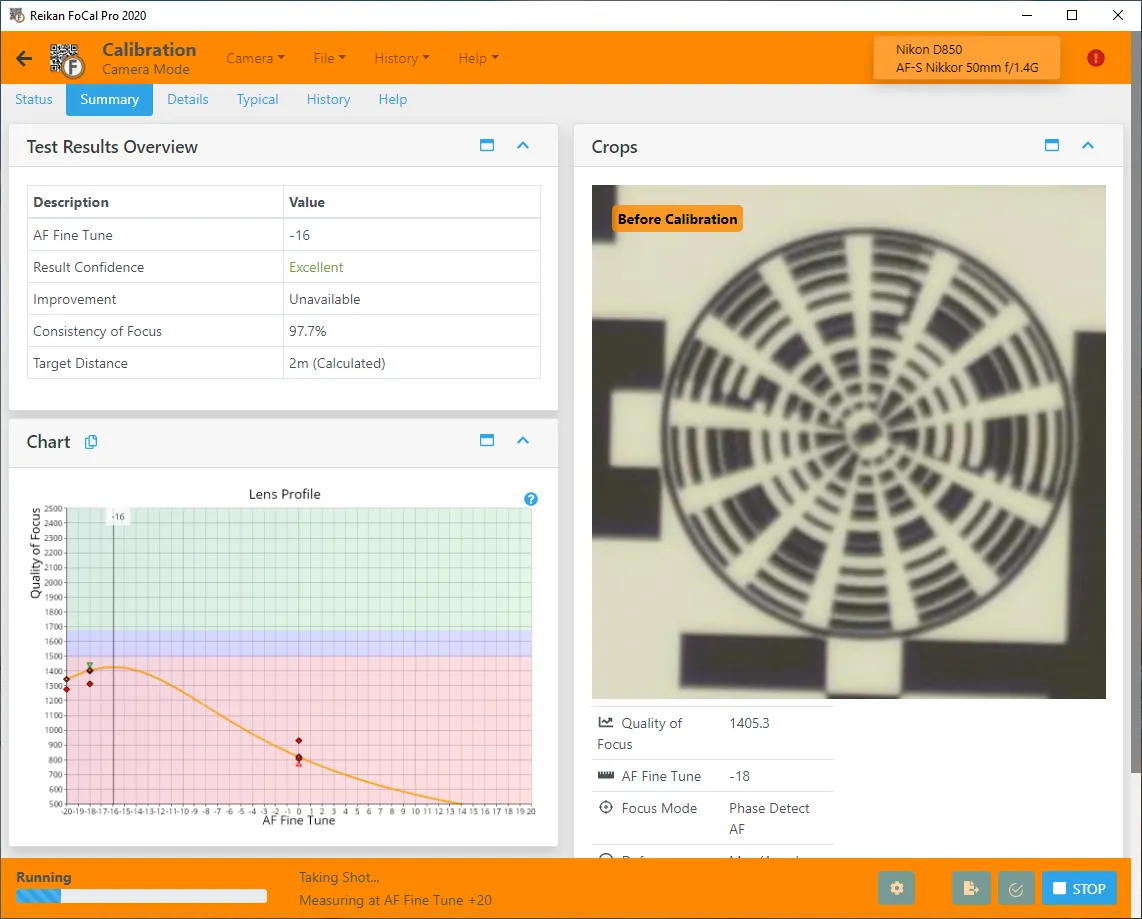
How it runs
1Set up
Set up the FoCal target and connect your camera, then open Calibration from the Camera page.
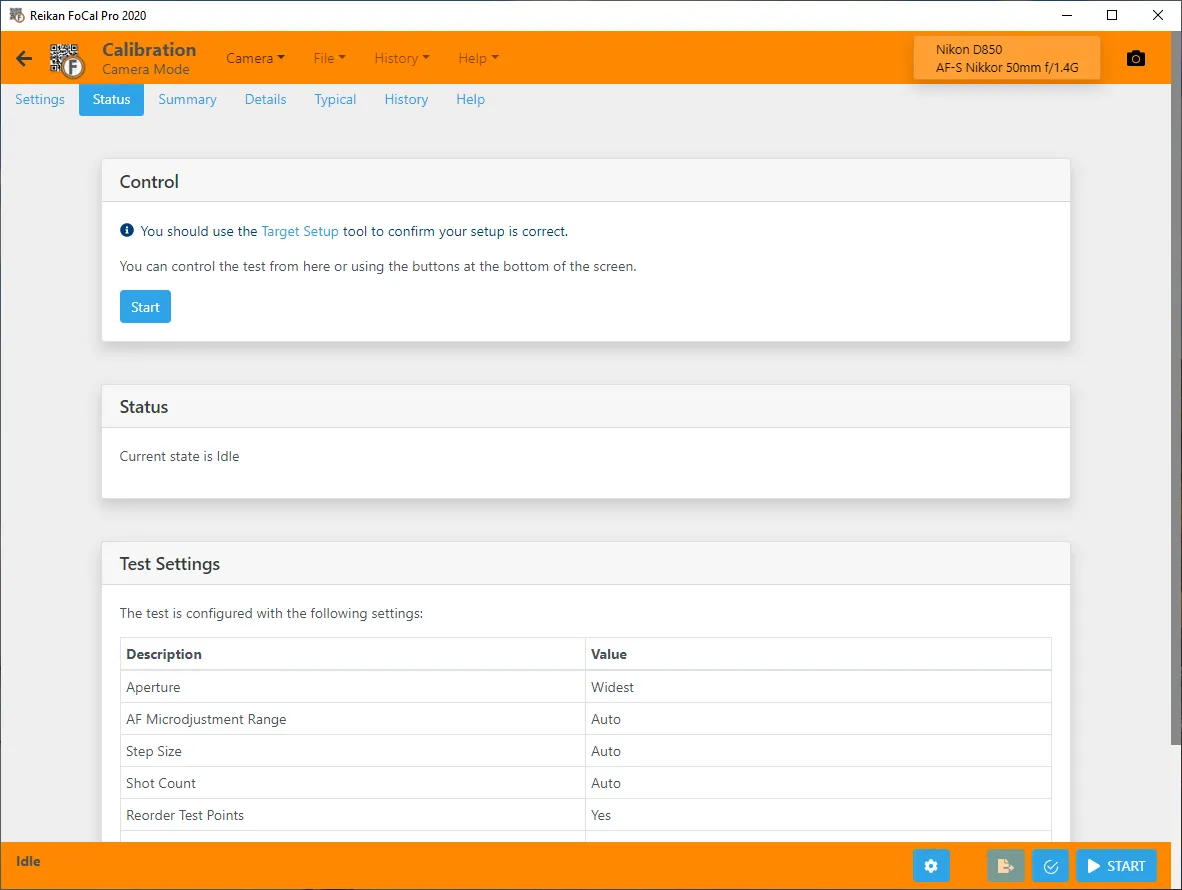
2Run the test
Hit Start: FoCal takes the shots, tries different AF Fine-Tune values and measures the sharpness of each.
3Your answer
FoCal sets the best value on the camera (or tells you what to enter) and saves the result.
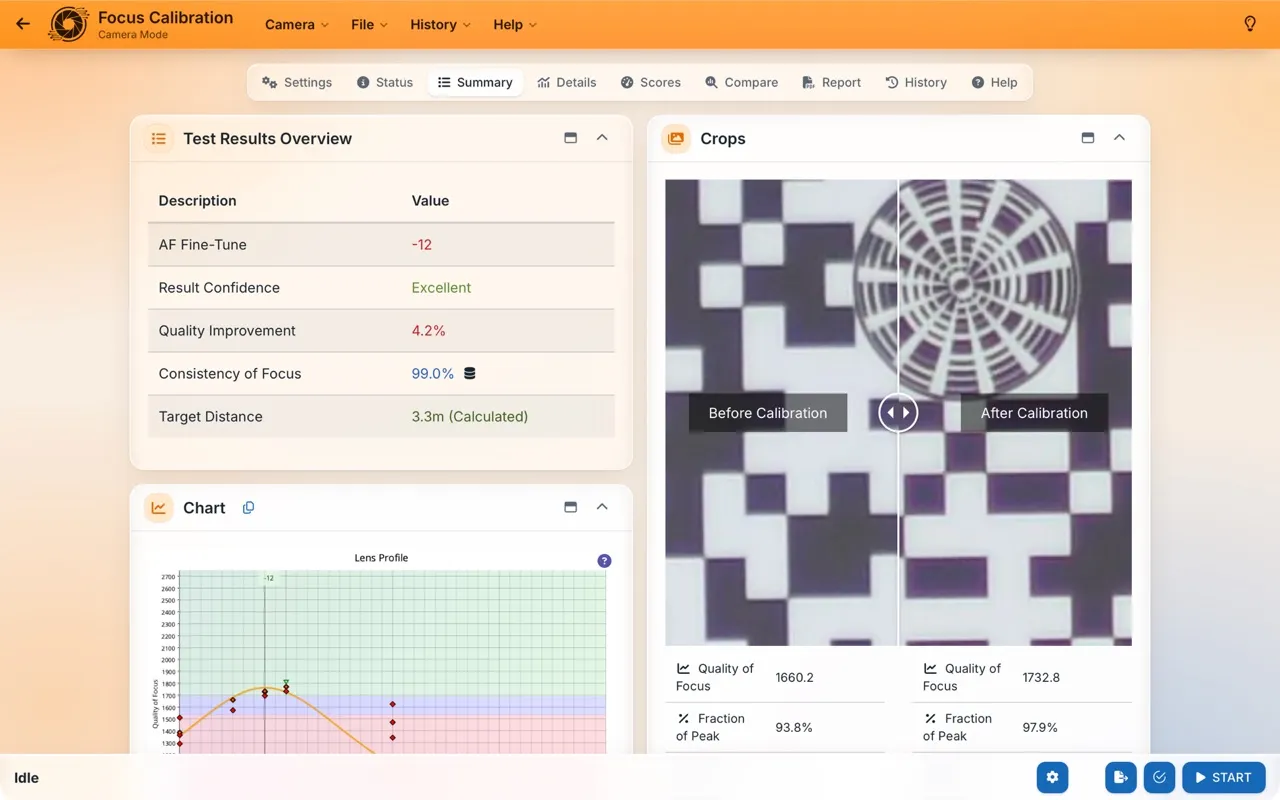
Your results
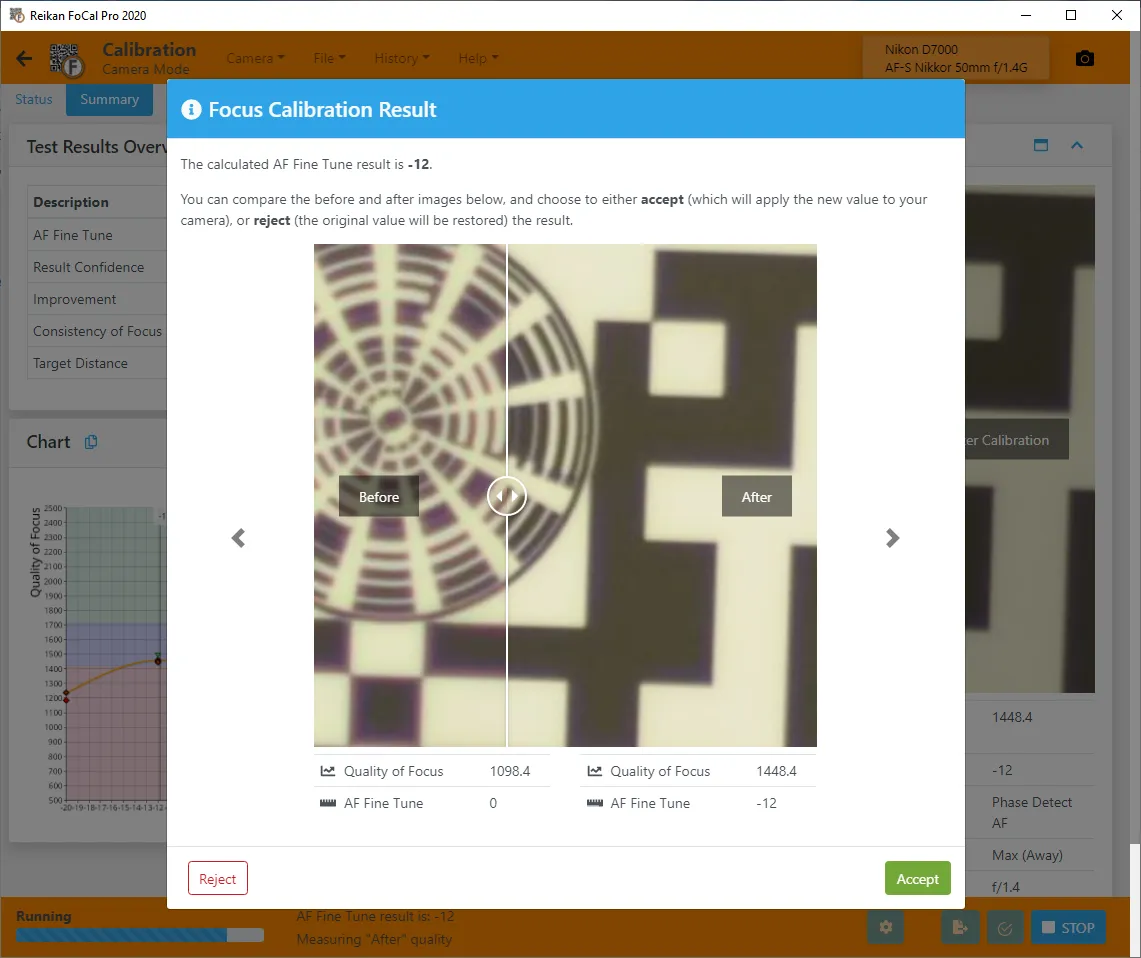
The calibration chart shows image quality at each AF Fine-Tune value; the peak of the curve is where the lens focuses best. The crops show the target before and after calibration.
Over time
In FoCal Pro and Commercial, History → Analysis plots every calibration of a lens on the Optimal … over time chart (named after your camera's setting, e.g. Optimal AFMA over time), so a lens that's drifting stands out.
How often: As part of your Kit Health Check (every few months, or monthly for the best trends), and after a hard knock, servicing or a big temperature change, or before an important shoot.