Stabilisation Test
How much does your stabilisation really help?
Lens and in-body stabilisation (IS, VR, OS, VC and the rest) promise sharper handheld shots at slower shutter speeds. The Stabilisation Test measures how many stops of shake it actually saves you handheld, on your camera and lens, and, if you like, whether it helps or hurts on a tripod.
What you get
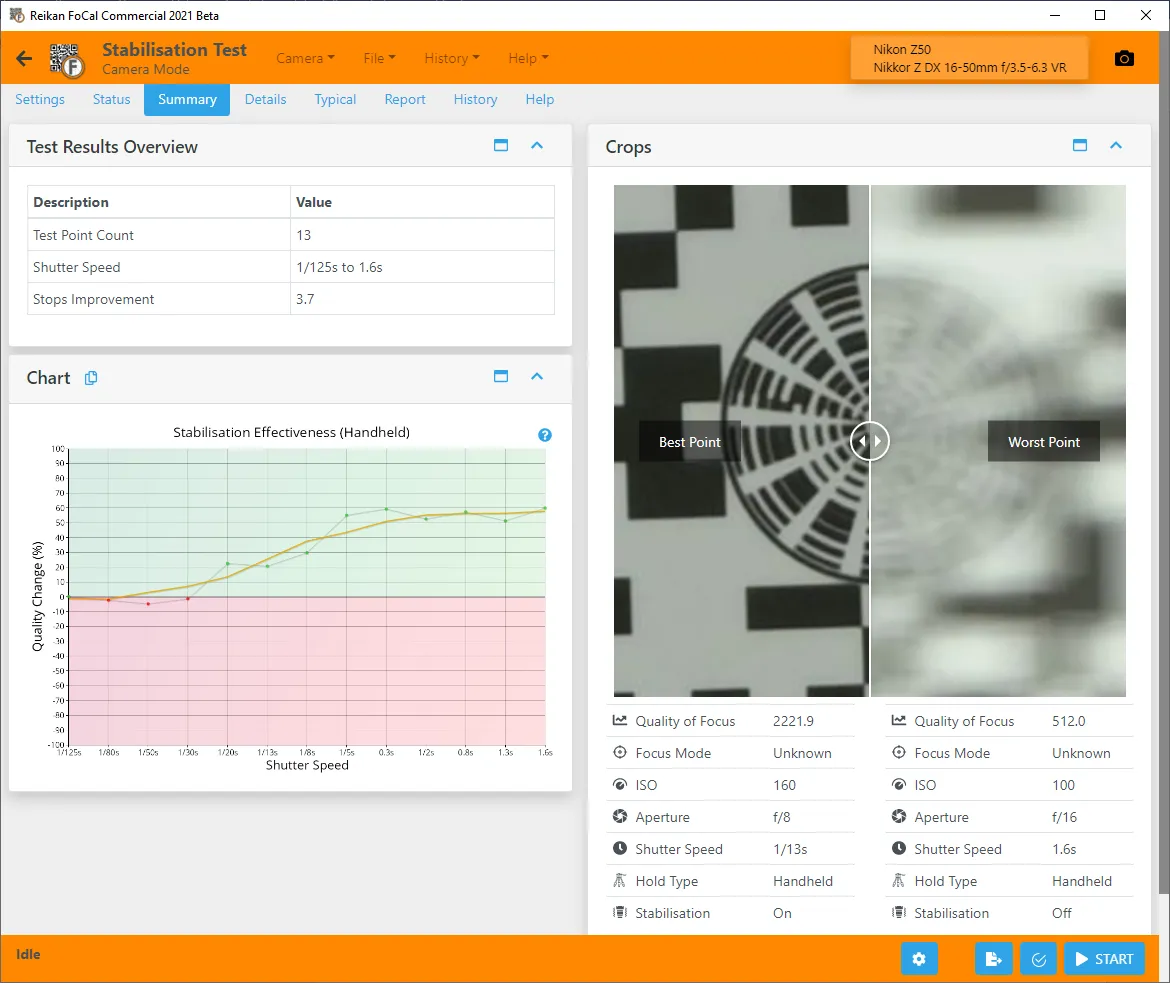
- How many stops of improvement stabilisation gives you handheld.
- Optionally (turn on Test on Tripod), whether it helps or hurts image quality on a tripod.
- A history, so you can see whether stabilisation is holding up.
How it runs
1Set up
Set up the FoCal target and connect your camera, then open Stabilisation Test from the Camera page and set the camera to M mode. You'll need room on the memory card for at least 25 full-size JPEGs.
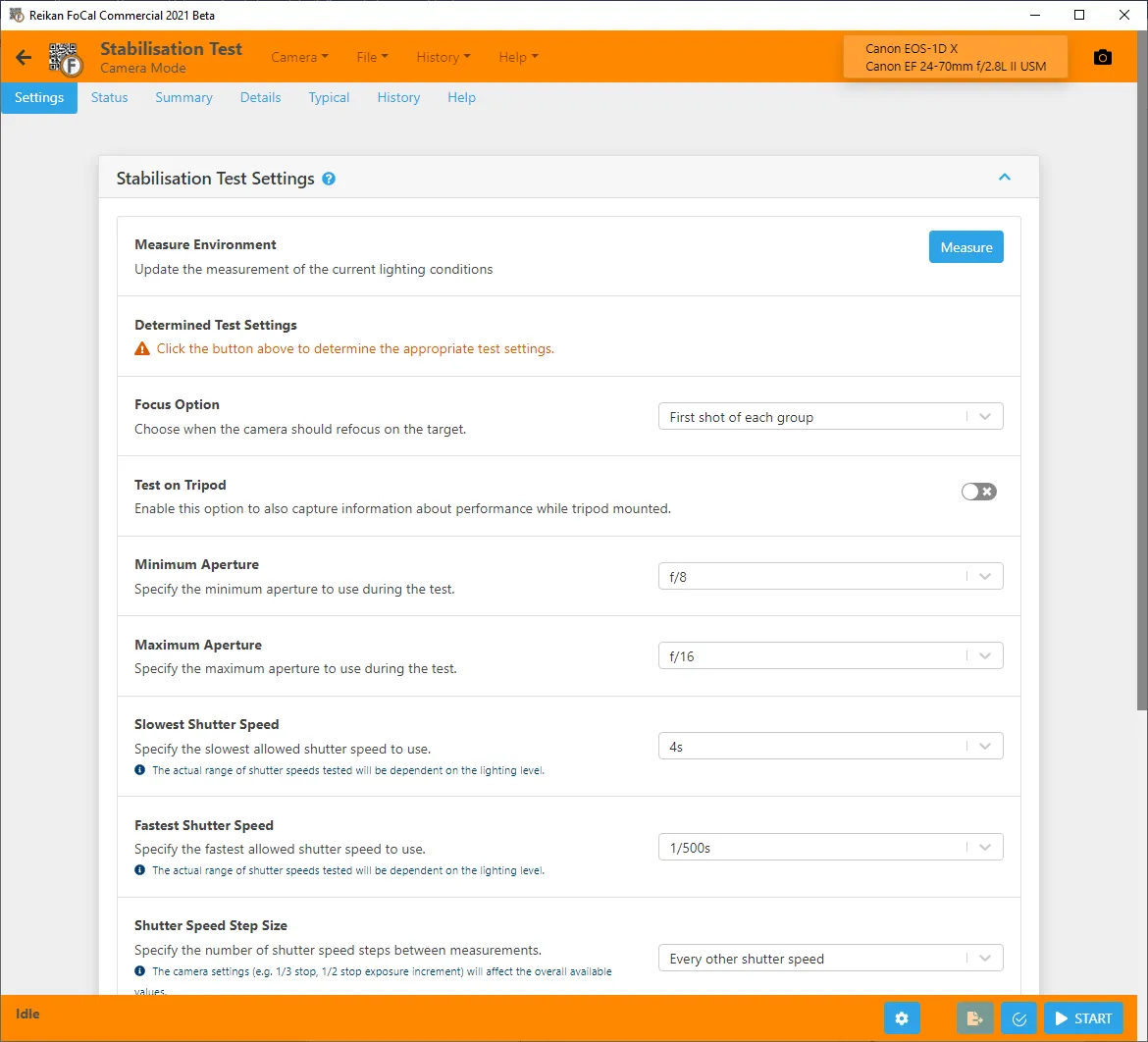
2Measure
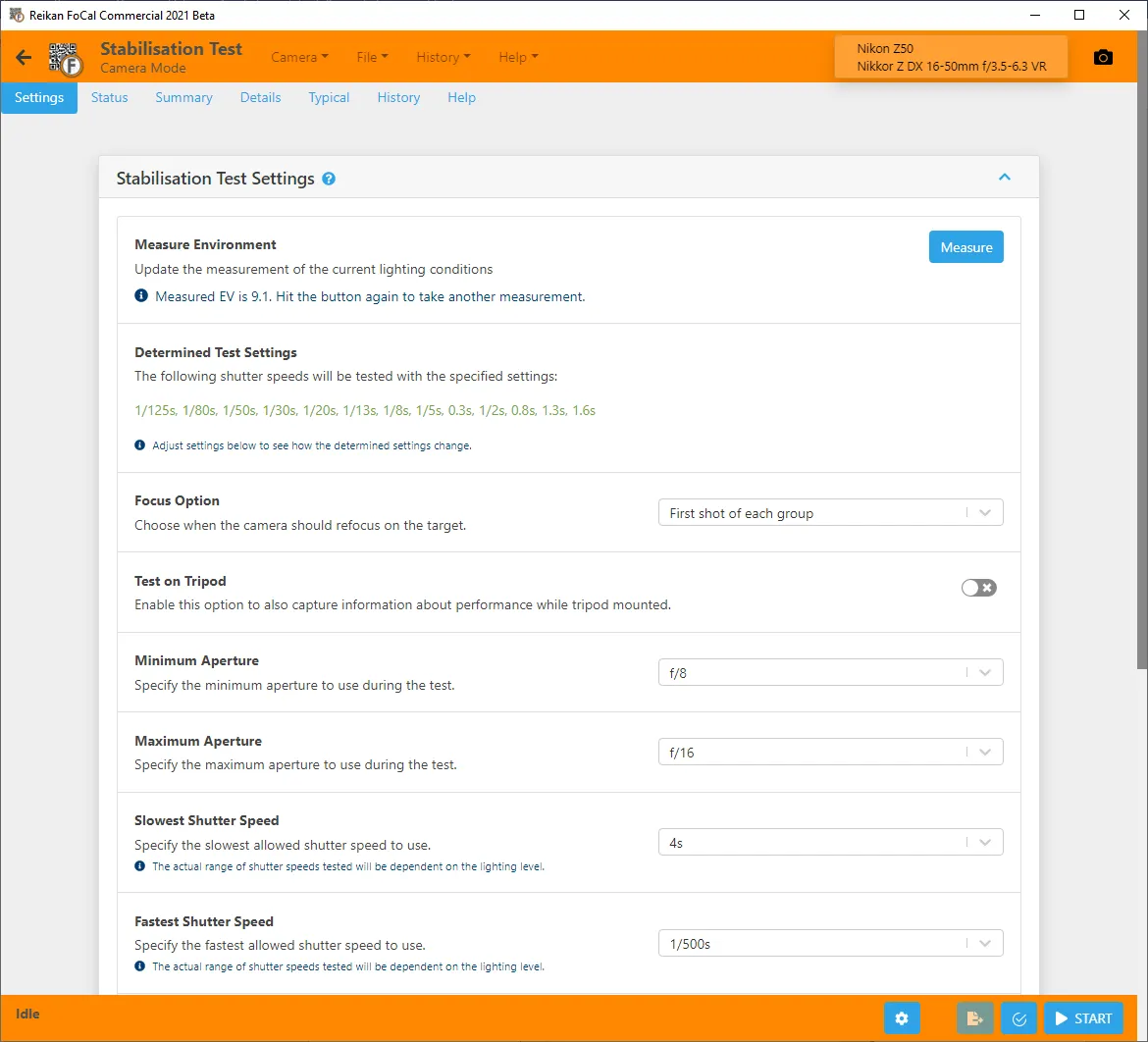
On the test's Settings tab, hit Measure: FoCal checks the lighting and works out the shutter speeds to test.
3Run the test
Hit Start and follow the prompts: FoCal takes shots with stabilisation on and off across the shutter speeds.
Your results
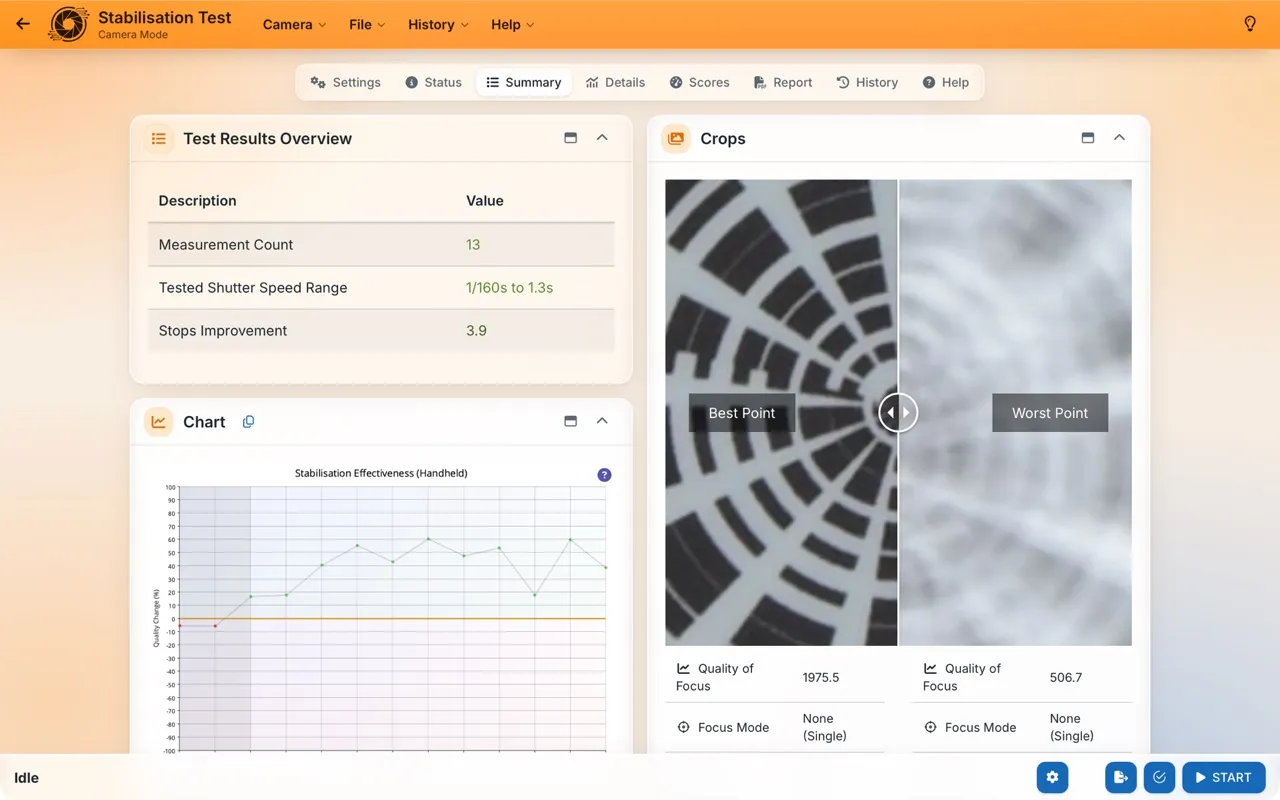
The results compare sharpness with stabilisation on and off at each shutter speed. The number of stops it saves is the difference in shutter speed between shots of similar sharpness with it off and on.
Over time
In FoCal Pro and Commercial, History → Analysis shows Stabilisation over time (on the Lens and Camera + Lens tabs), so you can see whether your stabilisation is still performing.
How often: As part of your Kit Health Check: every few months, or monthly for the best trends. Over time it shows whether stabilisation still saves as many stops as it did.