Getting Started with Boxed FoCal
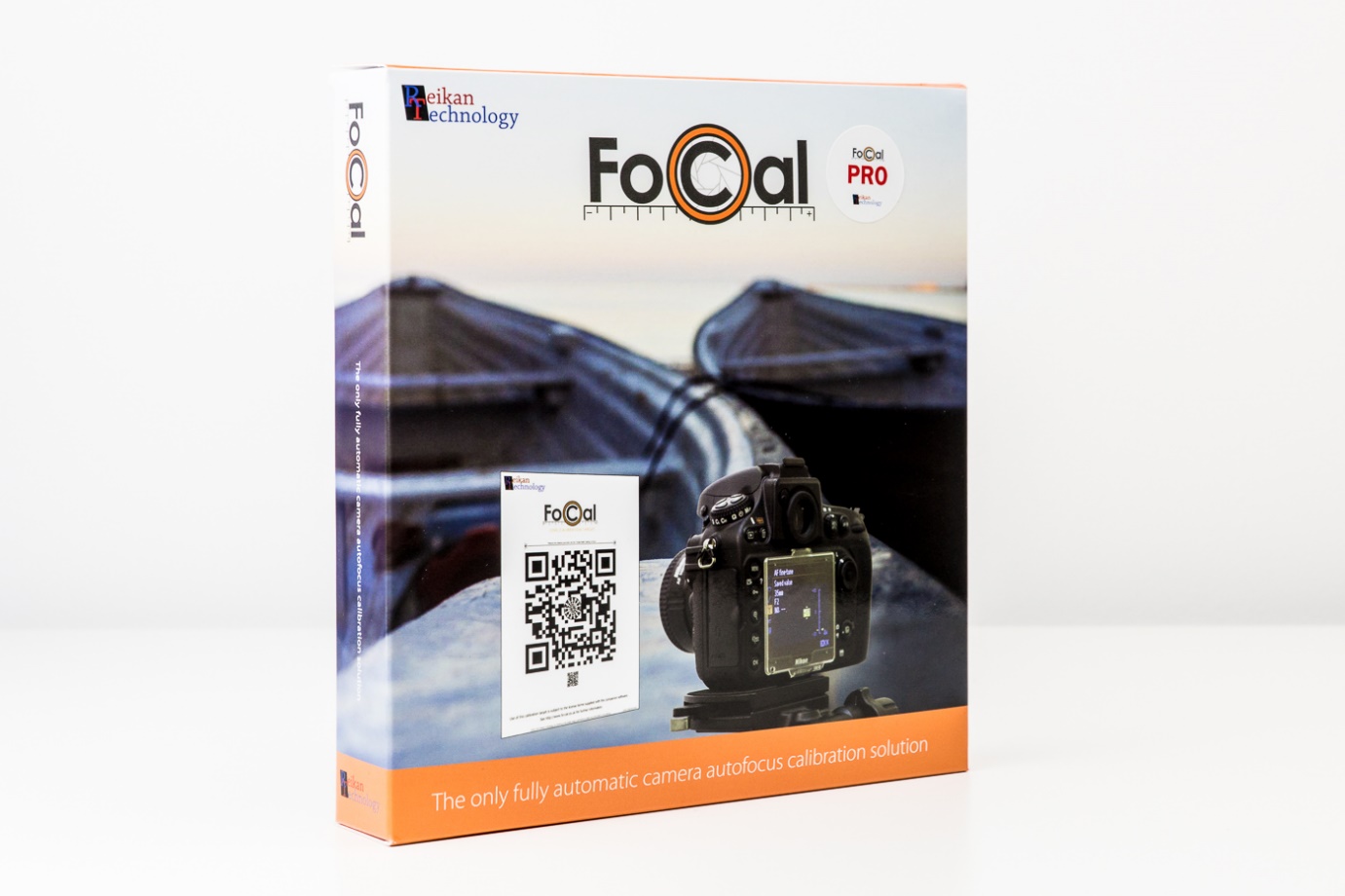
The boxed version of FoCal contains a 150mm hard target and a Getting Started guide. These pages give more detail on each step, in case you get stuck.
Reveal your Activation Code
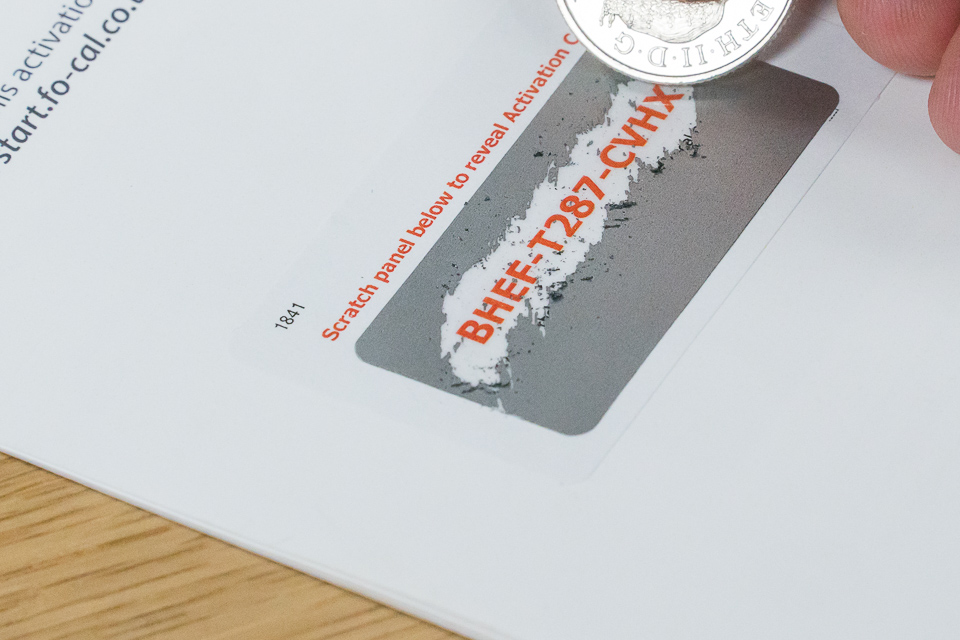
You need your Activation Code to get FoCal. It's under the scratch-off panel in the Getting Started guide. Gently scratch off the panel with a coin to reveal the code.
Create your Account
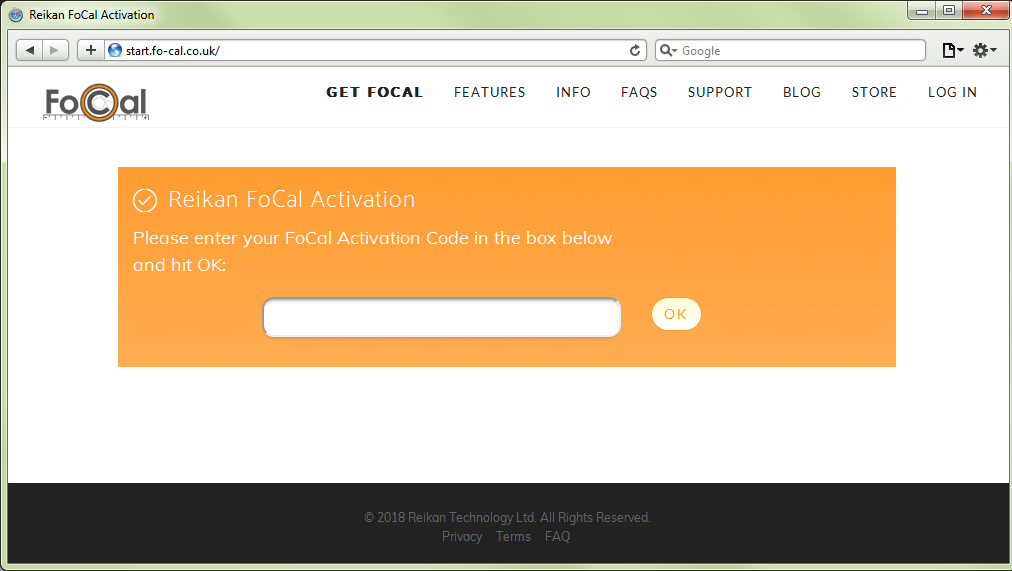
Go to http://start.fo-cal.co.uk in your browser. If it doesn't work, contact Reikan support with your Activation Code and we'll set up your account.
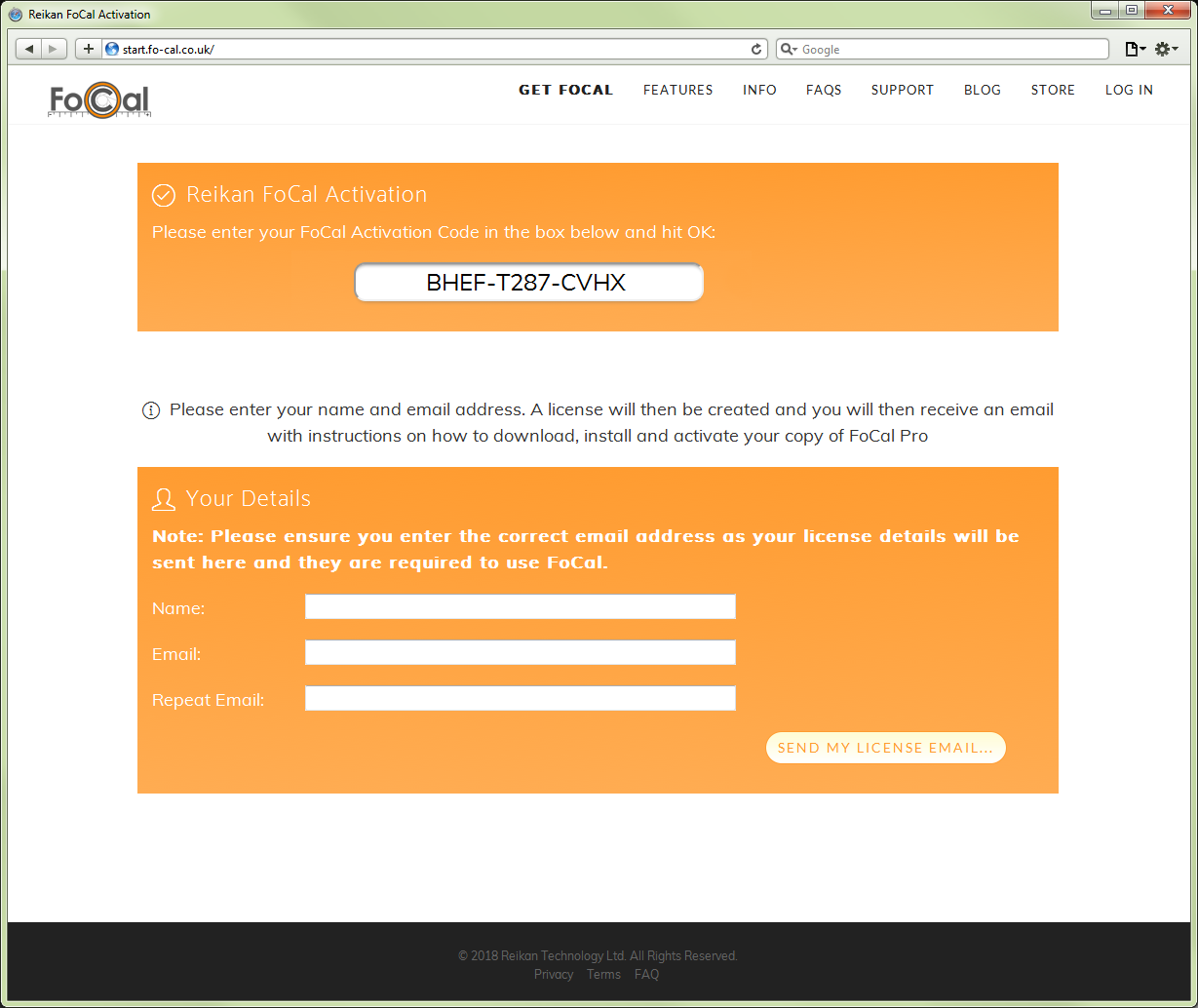
Enter your Activation Code. When it's accepted, enter your name and email address. Check the email address carefully: your FoCal login details are sent there.
Check your Email
Activation is now complete, and you won't need the Activation Code again. You'll soon receive an email with your FoCal login details. Use them to download FoCal: see Downloading FoCal.
Next Step
When you've downloaded FoCal, install it: