Settings – Dust Analysis
The Settings tab has one option for this test:
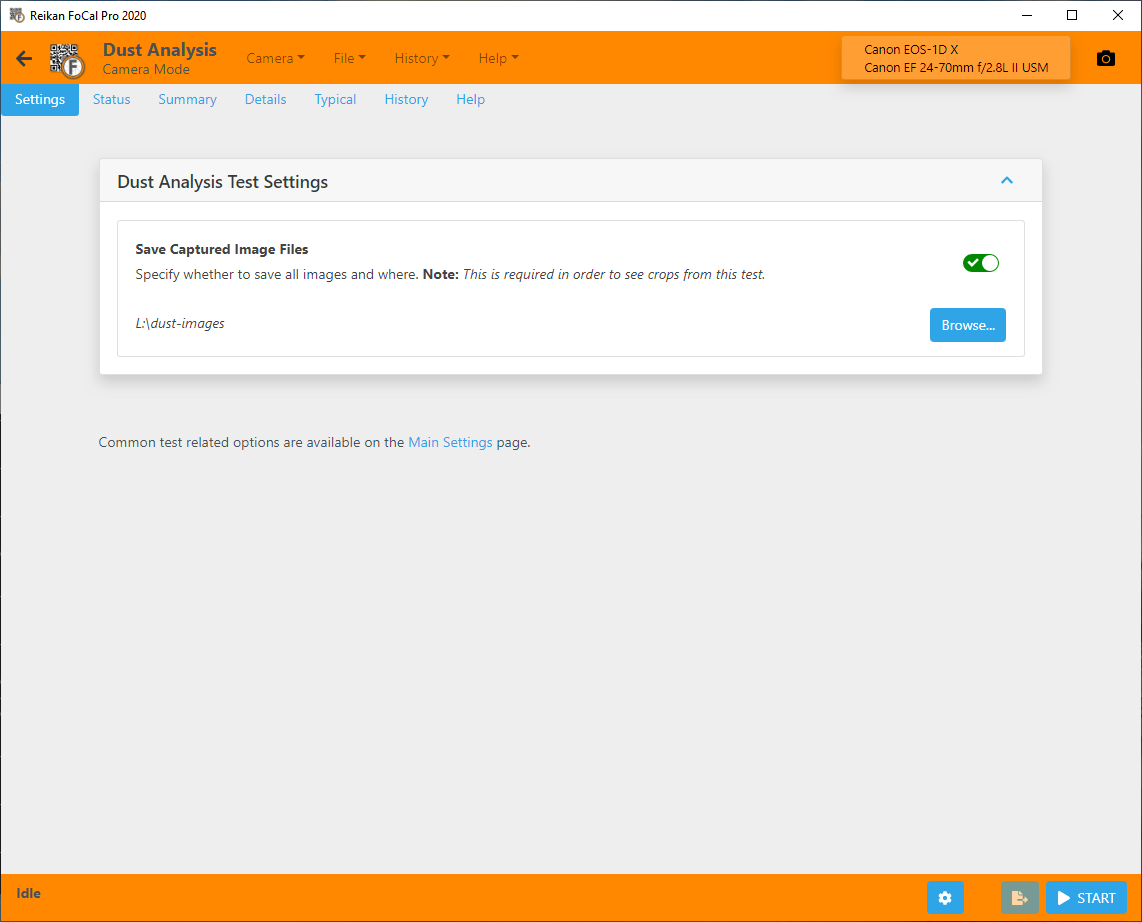
Save Captured Image Files
Whether to save all the images the test captures, and which folder to save them in.
Turn this on to see crops of the dust spots during and after the test. Without it, no crops are available, and FoCal warns you before the test starts.
Settings common to all tests are under Main Settings (and Pro Settings in FoCal Pro). There is a link at the bottom of the Settings tab.