FoCal Program Settings
To open FoCal's settings, choose Help › Settings.
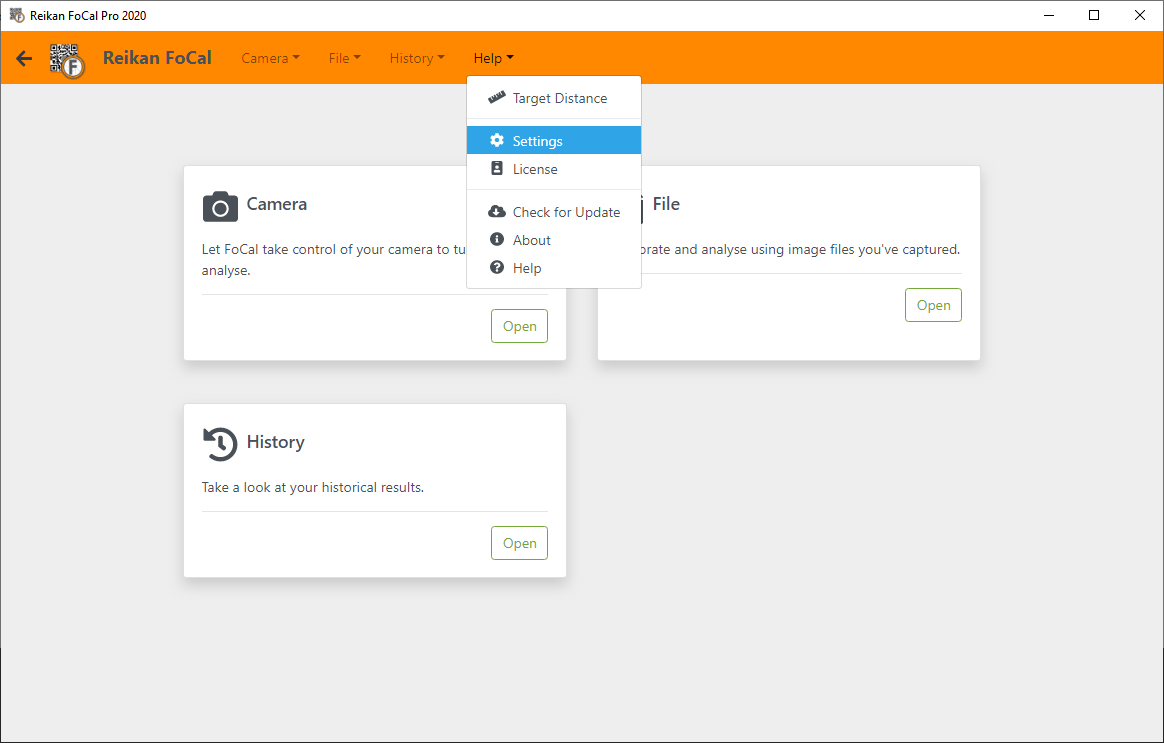
The settings are grouped into tabs down the side of the page:
- General Settings: notifications, distance units, results upload, display and Wi-Fi.
- Test Settings: options that apply to every test (the Test Settings tab).
- FoCal Pro Settings: options for FoCal Pro and Commercial licences (the FoCal Pro tab).
- Advanced Settings: troubleshooting and support options.
FoCal Commercial licences also have a Commercial tab, for adding your own logo to PDF reports: see Using FoCal Commercial.
Each test also has its own settings, in the test's Settings tab.