Settings – Aperture Sharpness
The default settings suit most people. The Settings tab has one option for this test:
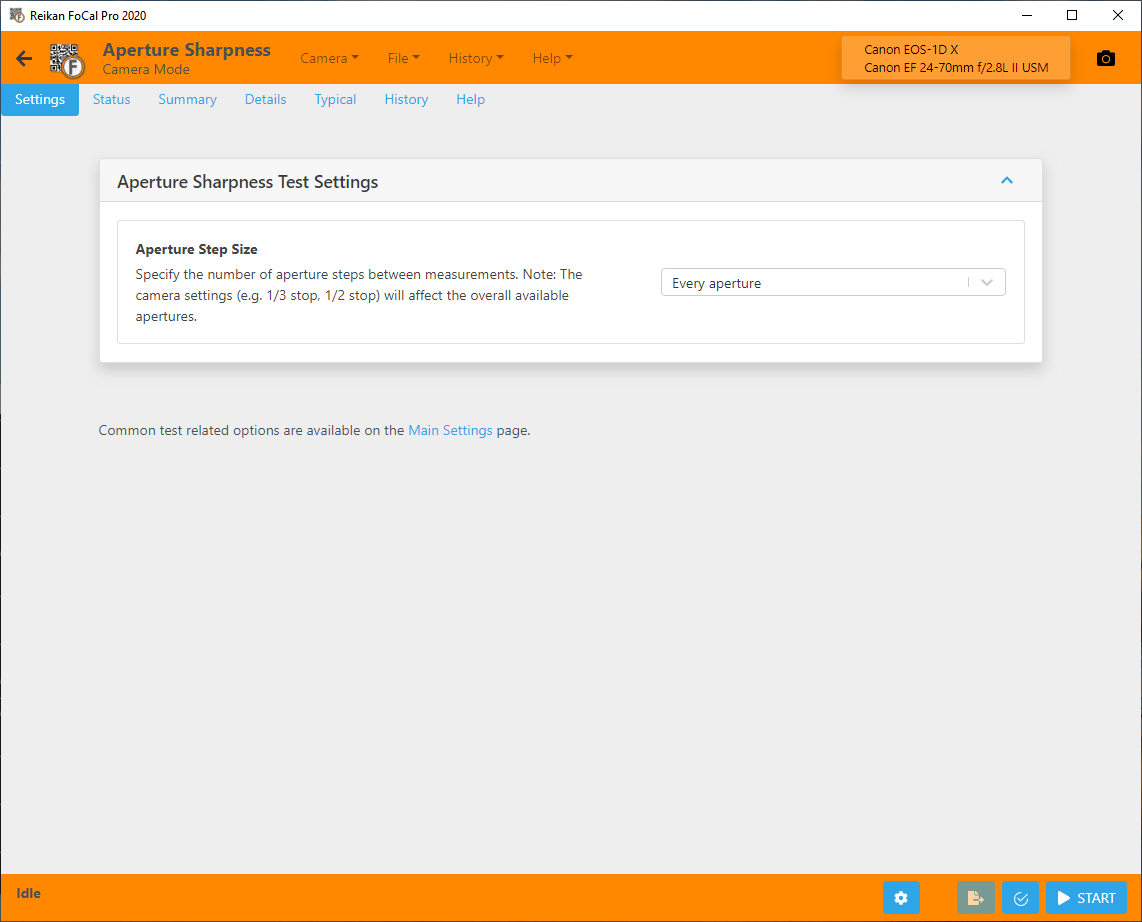
Aperture Step Size
How many apertures to step between measurements:
- Every aperture (default): measures at every aperture available.
- Every other aperture: skips one aperture between measurements.
- Every 3rd aperture: measures every third aperture.
The apertures available depend on the camera's exposure step setting (1/3, 1/2 or 1 stop).
Fewer steps make the test quicker, but the profile has less detail.
Settings common to all tests are under Main Settings (and Pro Settings in FoCal Pro). There is a link at the bottom of the Settings tab.