File Info
On this page
File Info (called Image Information in earlier versions of FoCal) shows the information stored in an image file: the camera and lens used, and the shooting settings. Where FoCal knows the camera, it adds details of its own, such as sensor information and whether a firmware update is available.
You don't need a camera connected to use File Info.
Opening File Info
Choose File › File Info, or click Open on the File Info card on the File › Overview page.
Reading a file
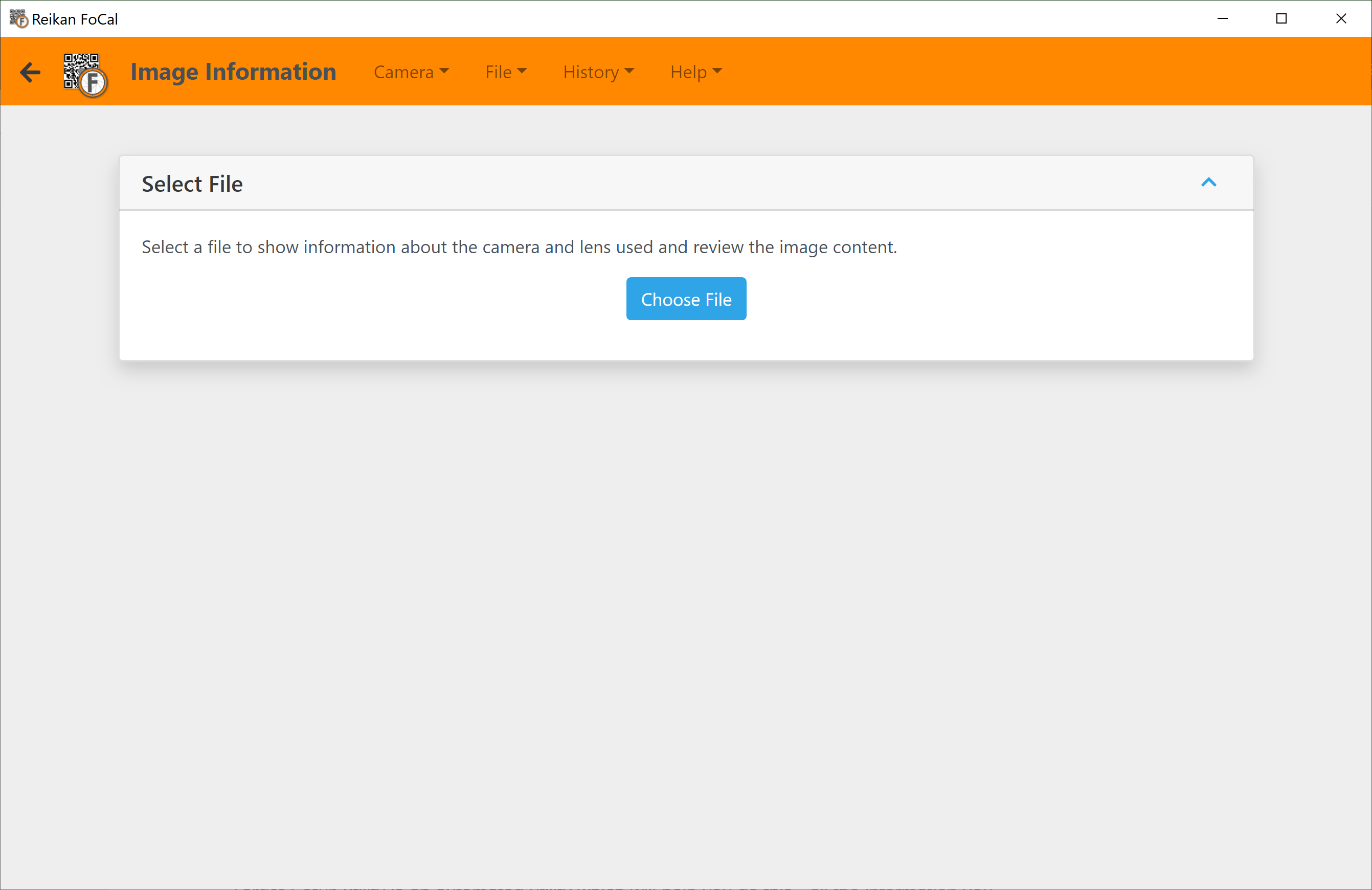
- Click Choose File.
- Select an image file.
The Camera & Lens Details card shows the information read from the file, such as aperture and shutter speed. Some values only appear if the camera records them (for example, the shutter count).
If FoCal recognises the camera, it adds more details. In the example below, FoCal shows that a firmware update is available, along with the diffraction-limited aperture and sensor information:
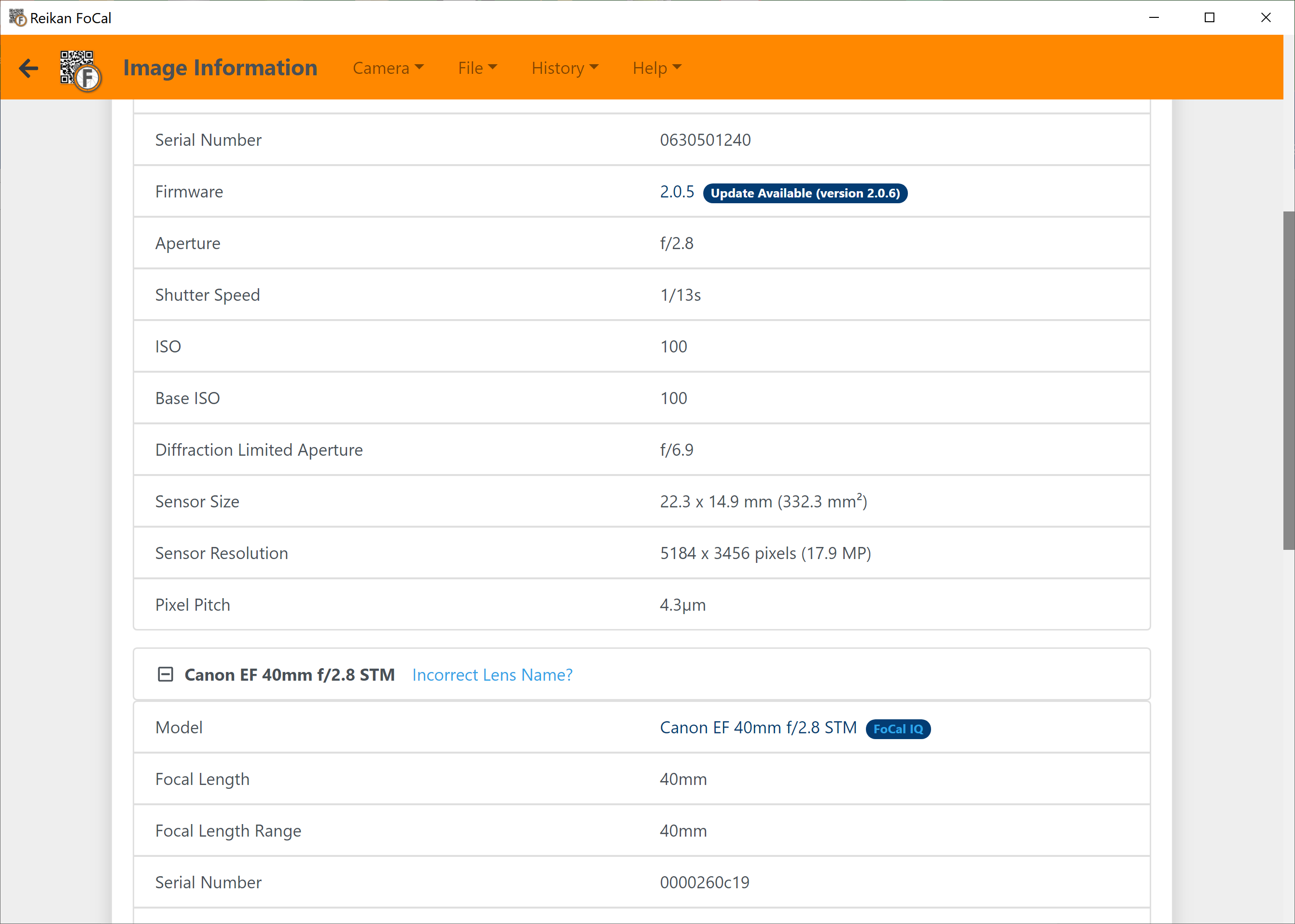
If FoCal shows the wrong lens name, click Incorrect Lens Name? next to it to let us know.
With FoCal Pro, the save button in the Camera & Lens Details title bar saves the details as a report.
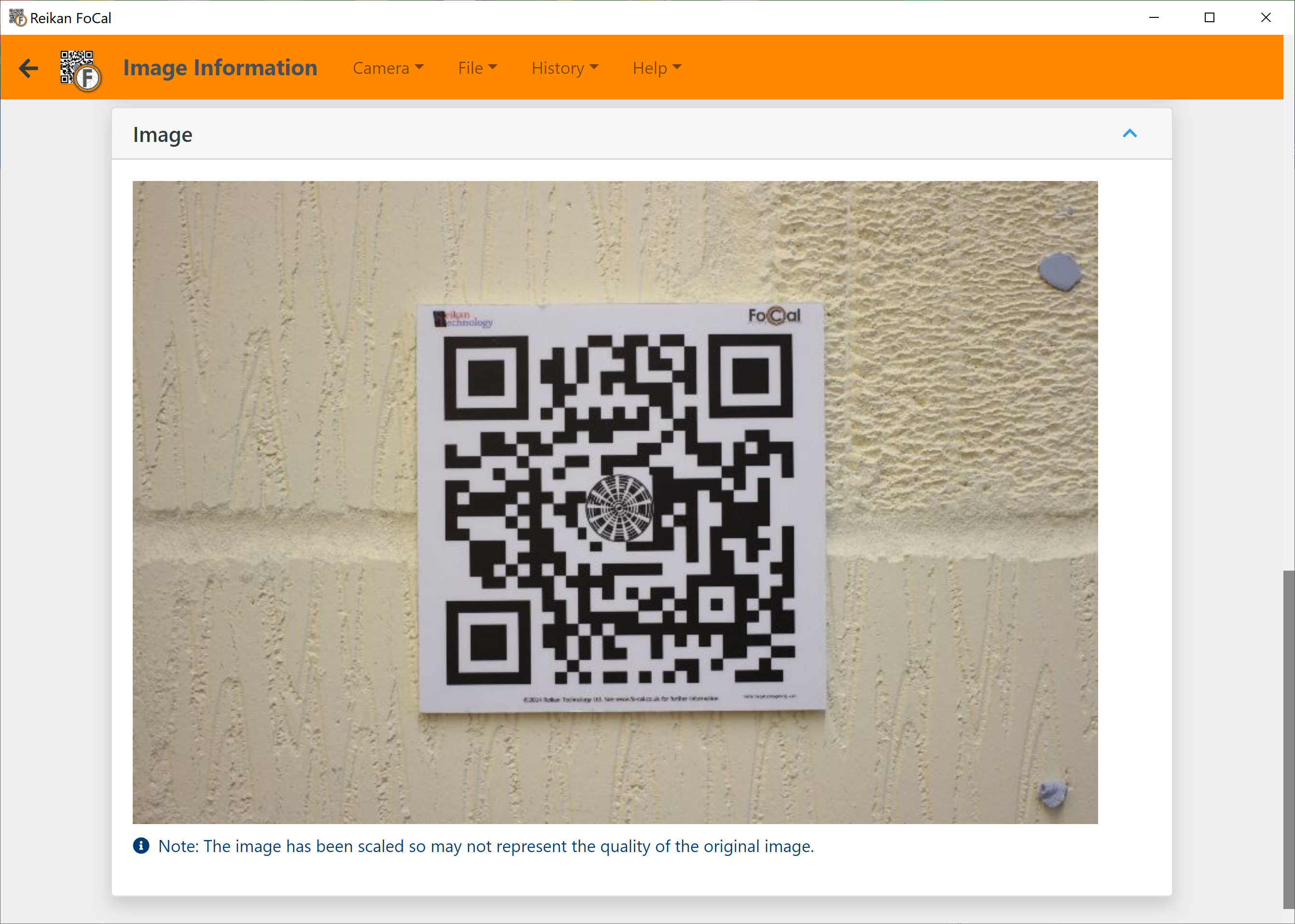
Image preview
The Image card at the bottom of the page shows a preview of the image. The preview is scaled, so it may not show the full quality of the original file.