Snapshots – Opening
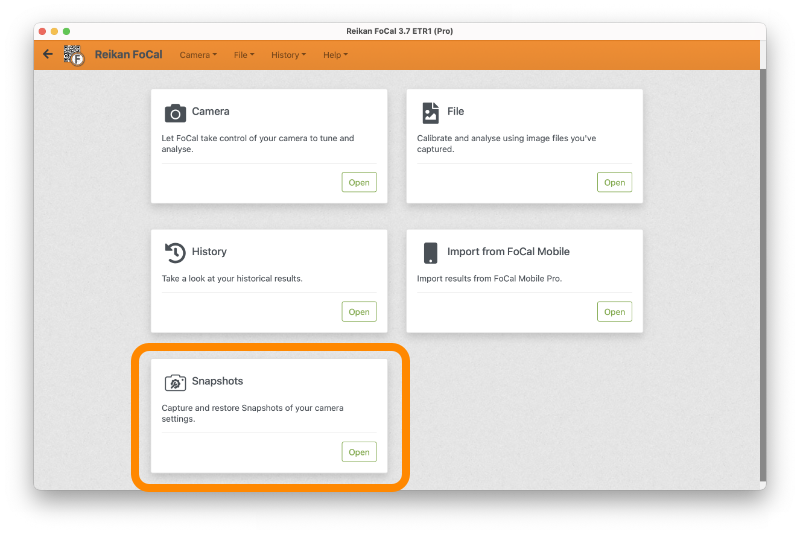
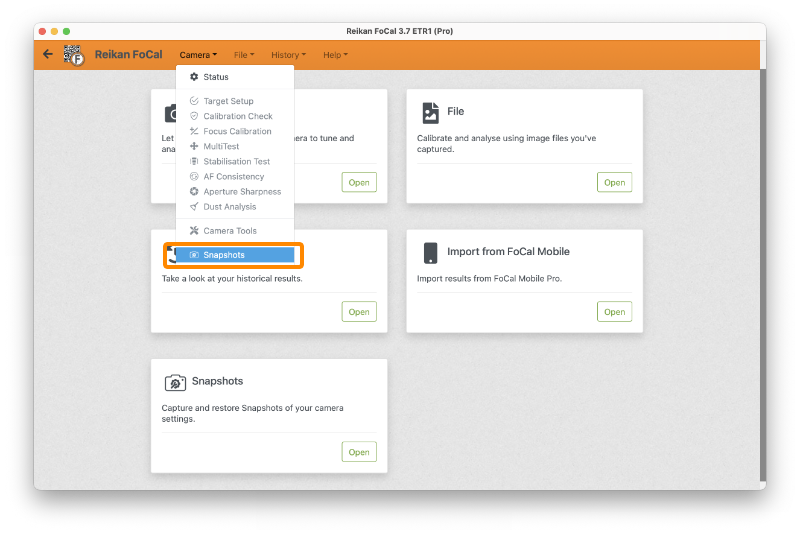
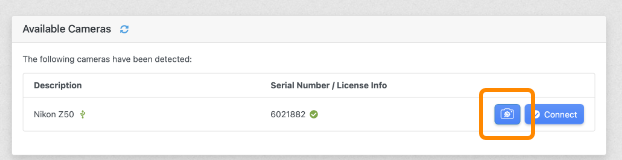
You can open Camera Snapshots (FoCal Pro) in three ways:
- Click Open on the Snapshots card on the FoCal Home page:
- Choose Camera › Snapshots:
- Click the Snapshots button next to the camera on the Camera page. The button is only shown if the camera supports Snapshots:
Next: Snapshots – Overview