Snapshots – Import/Export Tab
On this page
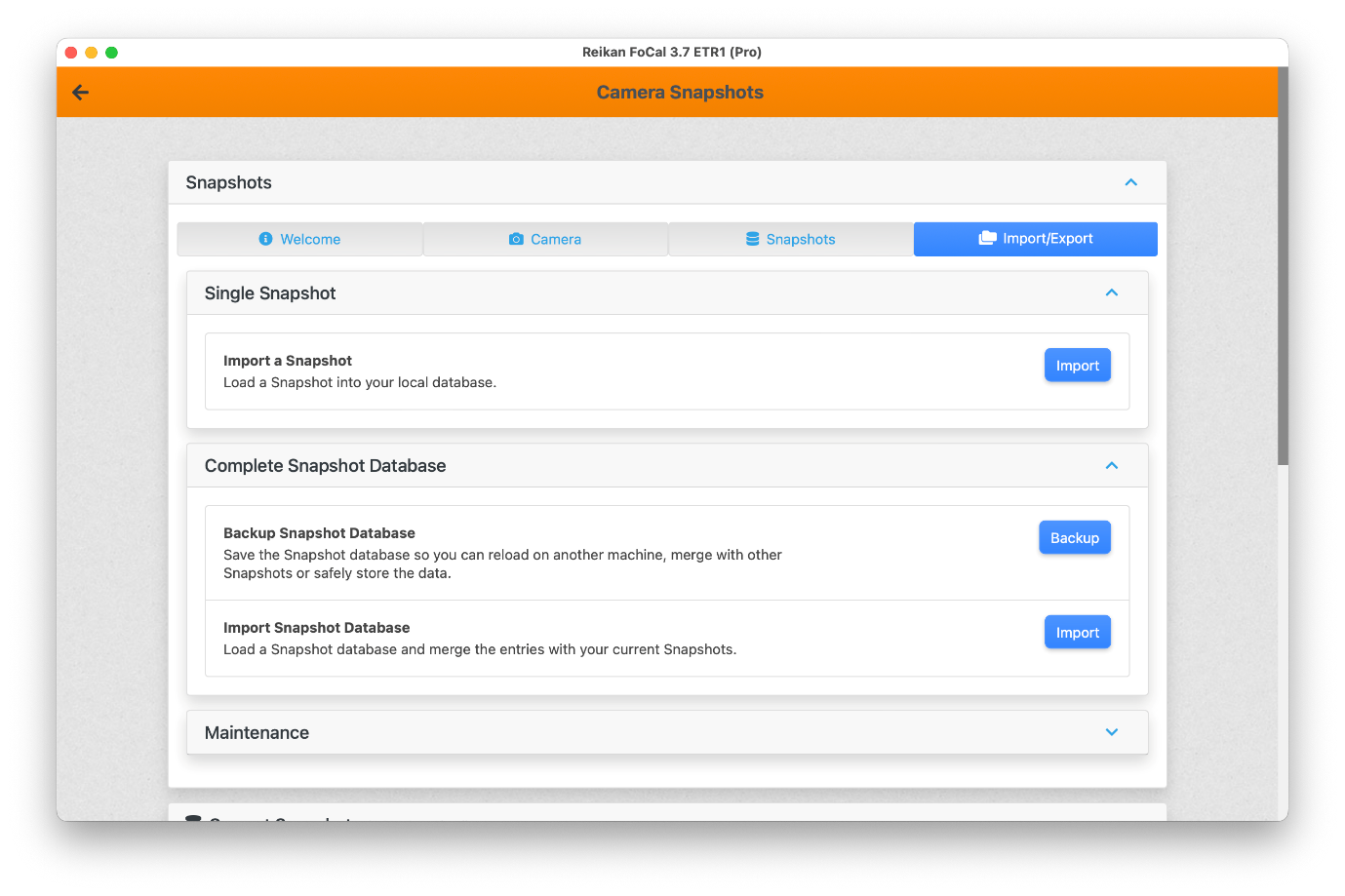
The Import/Export tab imports Snapshots into, and exports them from, the Snapshot database on your computer.
Single Snapshot
Click Import in the Single Snapshot card to import a .snap file: the complete settings of one camera, with a title and description.
Complete Snapshot Database
Backup Snapshot Database saves a .snapdb file containing all the Snapshots on your computer. Back up regularly, so your Snapshots are safe.
Import Snapshot Database imports a .snapdb file. Only Snapshots you don't already have are added.