File Explore
File Explore is an experimental tool for looking at a collection of image files that weren't necessarily taken as part of a test. FoCal reads the files and, where it can, charts their values against aperture and focus adjustment.
The tool is still basic. The aim is to group files by settings such as aperture and focus adjustment, so you can investigate them.
Opening File Explore
Choose File › File Explore, or click Open on the Explore card on the File › Overview page.
File Explore needs FoCal Pro. It is one of the File Mode tests, so File Mode must also be enabled for this computer (see File Mode).
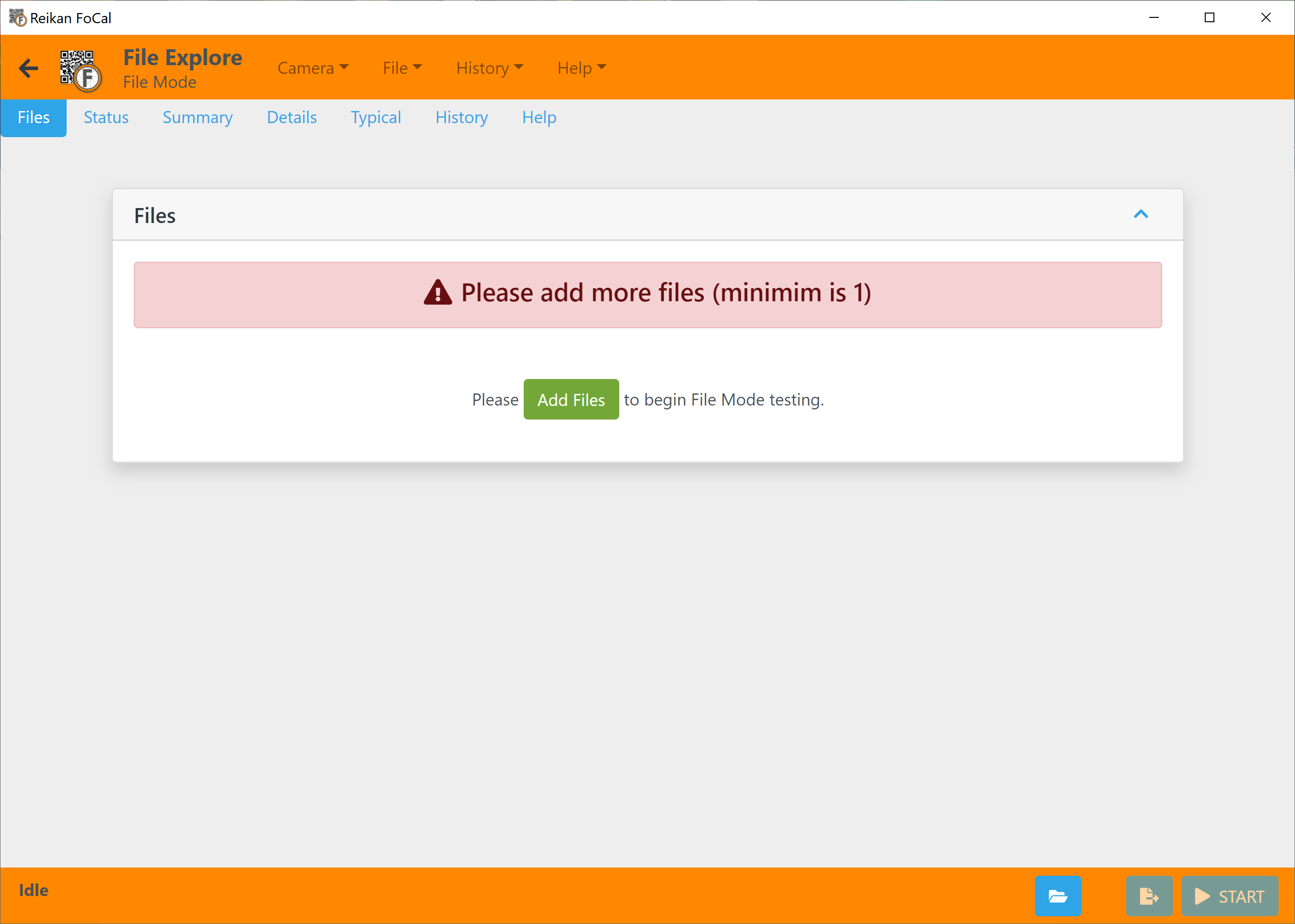
Choosing files
File Explore accepts almost any selection: you just need to choose at least one file. See File Mode for how to add and select files.
Adding missing information
Some files don't record everything FoCal needs, such as the AF Fine Tune value. You can supply it for a file, or a batch of files, with a metadata configuration file. See Metadata Configuration File.