Settings – Stabilisation Test
On this page
The Settings tab of the Stabilisation Test is shown before the test runs. Options that apply to every test are in the main FoCal settings (Help › Settings).
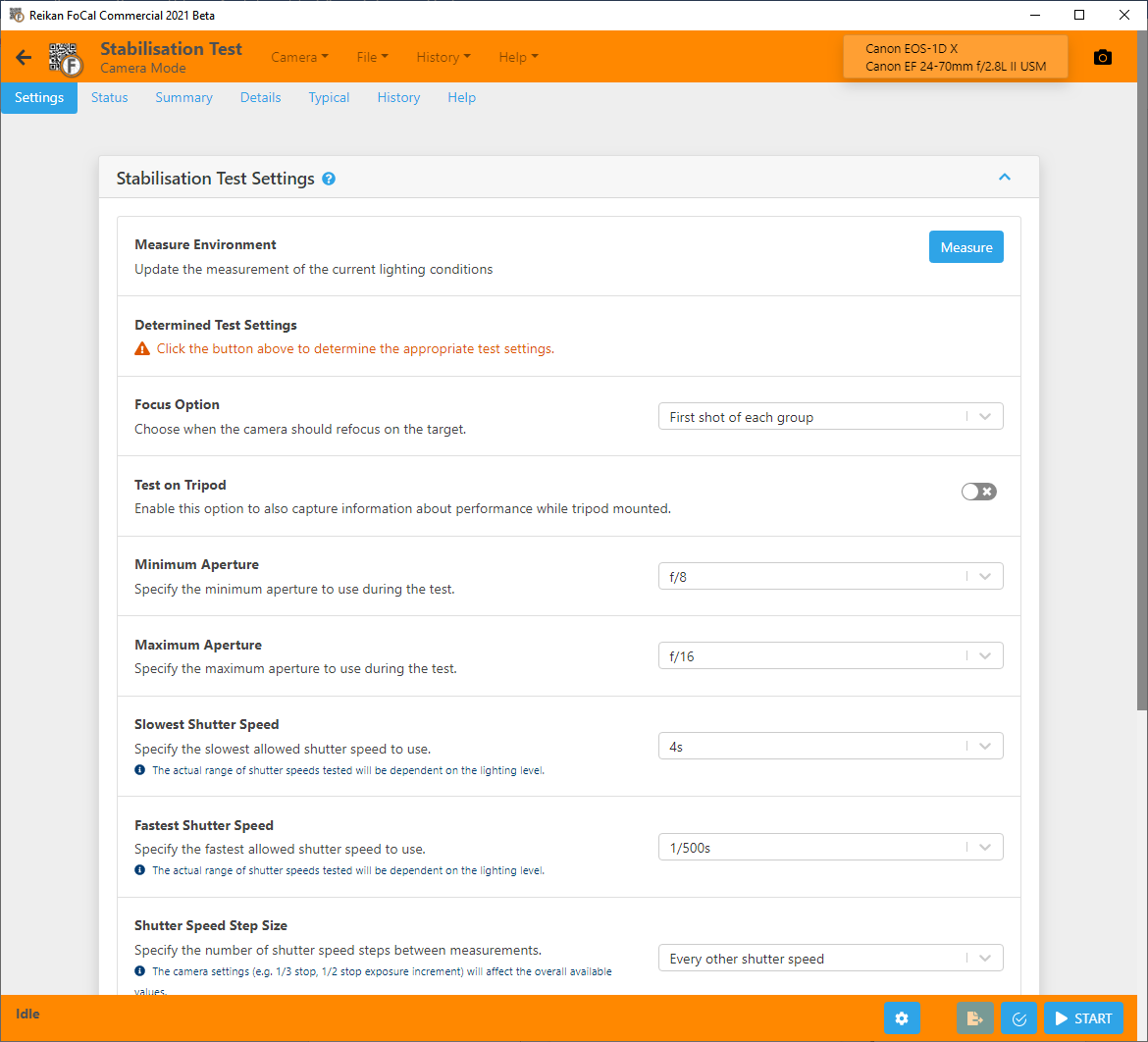
Measure Environment
Click Measure to measure the lighting on the target. FoCal takes a shot and shows the measured EV. You must do this before FoCal can work out which shutter speeds to use. Measure again whenever the lighting changes. See Stabilisation Test for step-by-step instructions.
Determined Test Settings
After a measurement, this lists the shutter speeds that will be tested and the settings for each. When you change the settings below, the list updates so you can see the effect.
Focus Option
When the camera refocuses on the target:
- None
- First shot of each group
- Every shot
Test on Tripod
Turn this on to measure performance on a tripod as well as handheld. This adds the tripod charts and the tripod/handheld comparison.
Minimum Aperture and Maximum Aperture
The range of apertures FoCal can use. A wider range gives more shutter speeds. We don't recommend apertures wider than f/8, because the shallow depth of field lets small focus changes affect the results.
If no apertures are listed, check the camera is in M (manual exposure) mode.
Slowest Shutter Speed and Fastest Shutter Speed
The range of shutter speeds FoCal may use. The speeds actually tested also depend on the lighting.
Shutter Speed Step Size
How far to step between measurements: Every shutter speed, Every other shutter speed or Every 3rd shutter speed.
Minimum ISO and Maximum ISO
The range of ISO values FoCal can use. A higher maximum gives more shutter speeds, but noisy images can make the results less reliable.
Stabilisation Settling Time
Time to let the stabilisation system settle before shooting, if the camera needs it.
Use Live View
Run the test in Live View, so the mirror isn't raised between shots.