Downloading FoCal
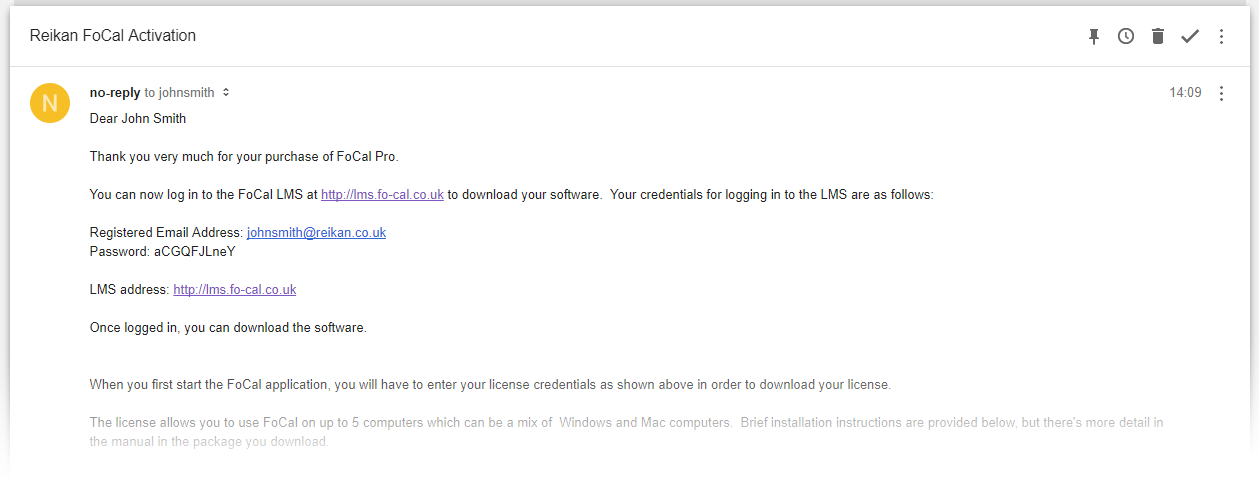
When you buy FoCal (or activate a boxed copy), you receive an email with your FoCal login details.
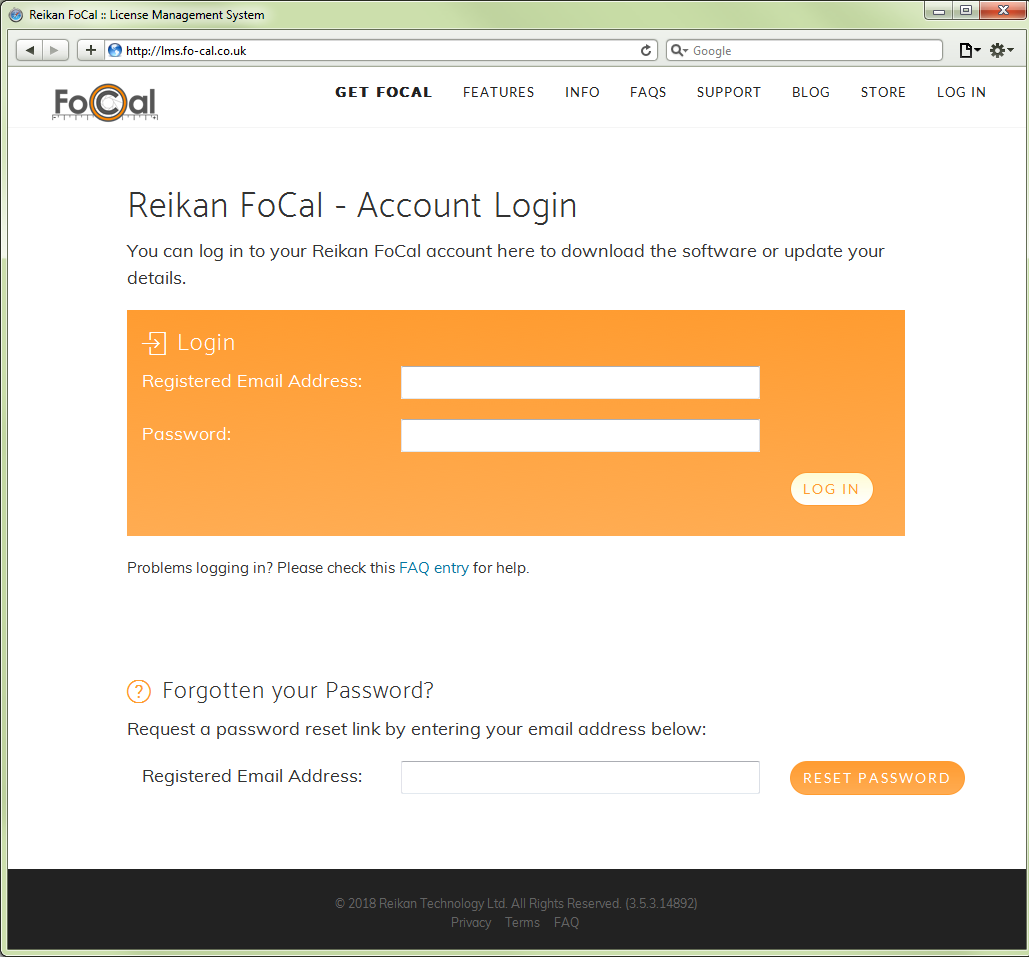
Go to your FoCal account at www.reikanfocal.com/account and log in with the username and password from the email.
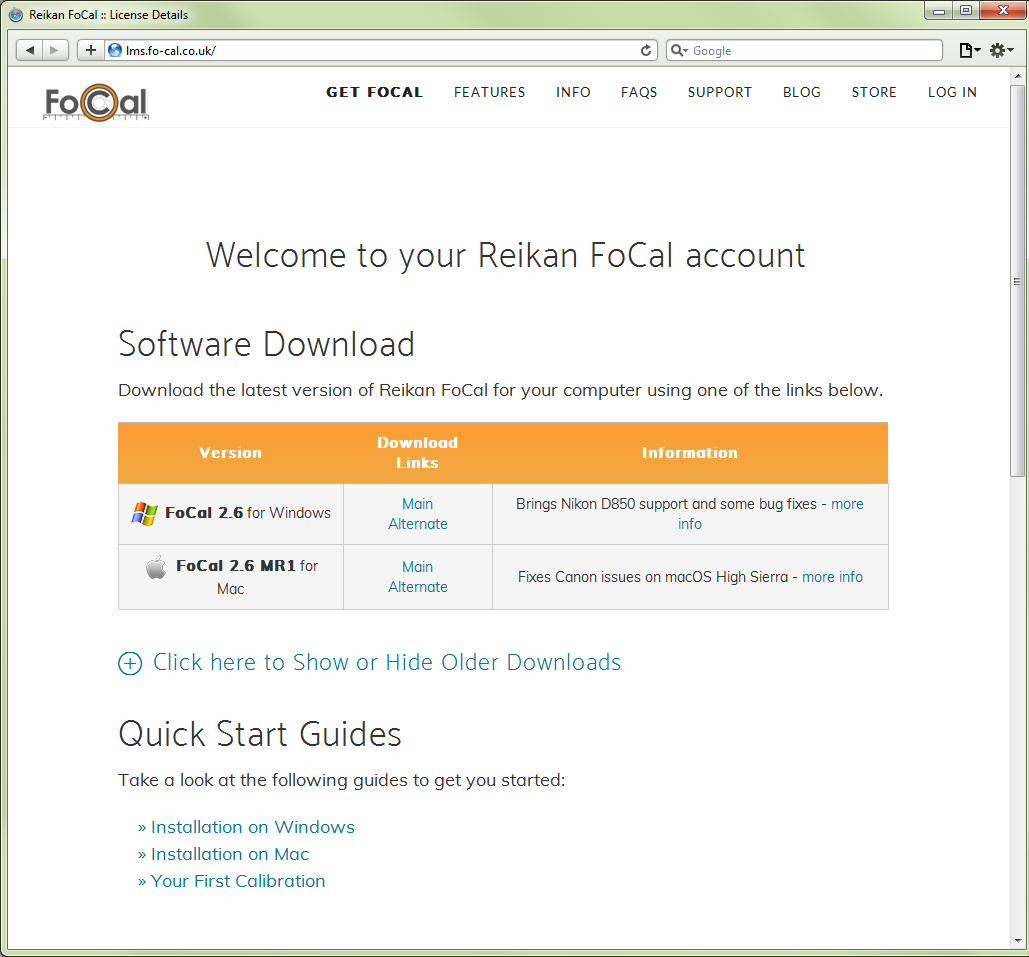
Find the download links for the latest Windows and Mac versions of FoCal. You can ignore the rest of the page for now.
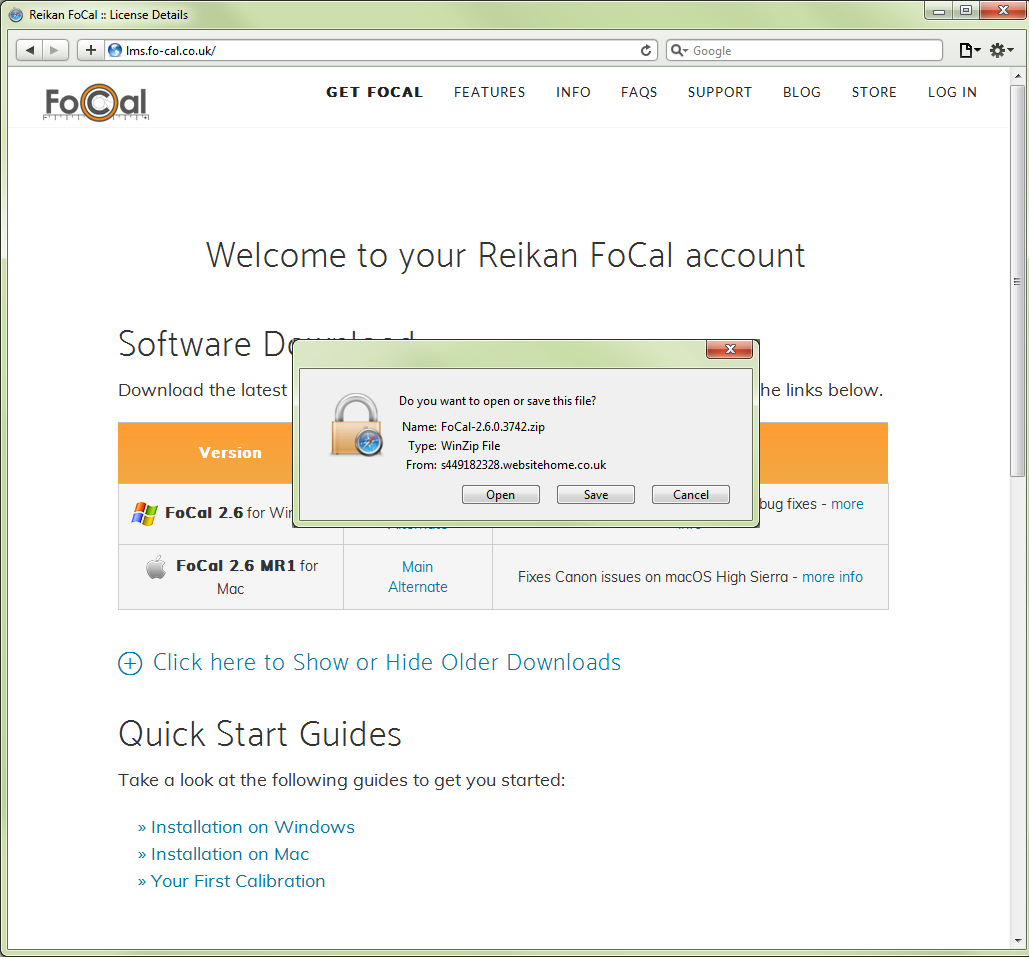
Click the download link for your computer.
Next Step
Now install FoCal: