Target Setup Utility
Good results need a good setup: where the camera is pointing, the focal length, the lighting, the camera settings and more. Target Setup checks that everything is ready for testing, and helps you fix any problems.
Run Target Setup before you calibrate or run any other test.
Basic Setup
Get things as ready as you can before you start Target Setup: camera firmly on a sturdy tripod, and the target fixed to a wall at the right distance and well lit. The FoCal Setup Checklist lists every step.
Opening Target Setup
Click Open on the Target Setup card on the Camera page, or choose Camera › Target Setup.
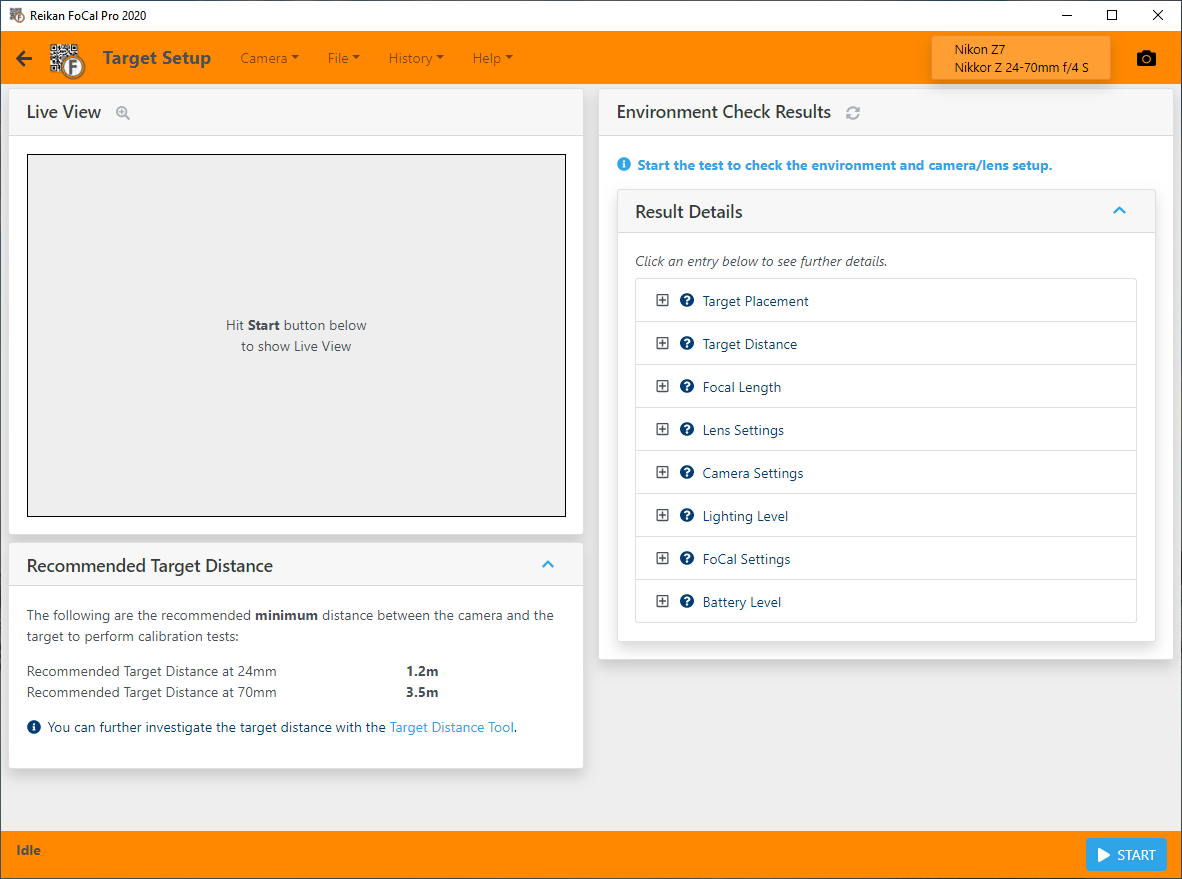
Target Setup looks similar to this:
Checking your Setup
Click Start on the bottom bar. After a few seconds FoCal shows what it has found, with a Live View image from the camera to help you make any adjustments.
Here's an example of the screen a few seconds after clicking Start:
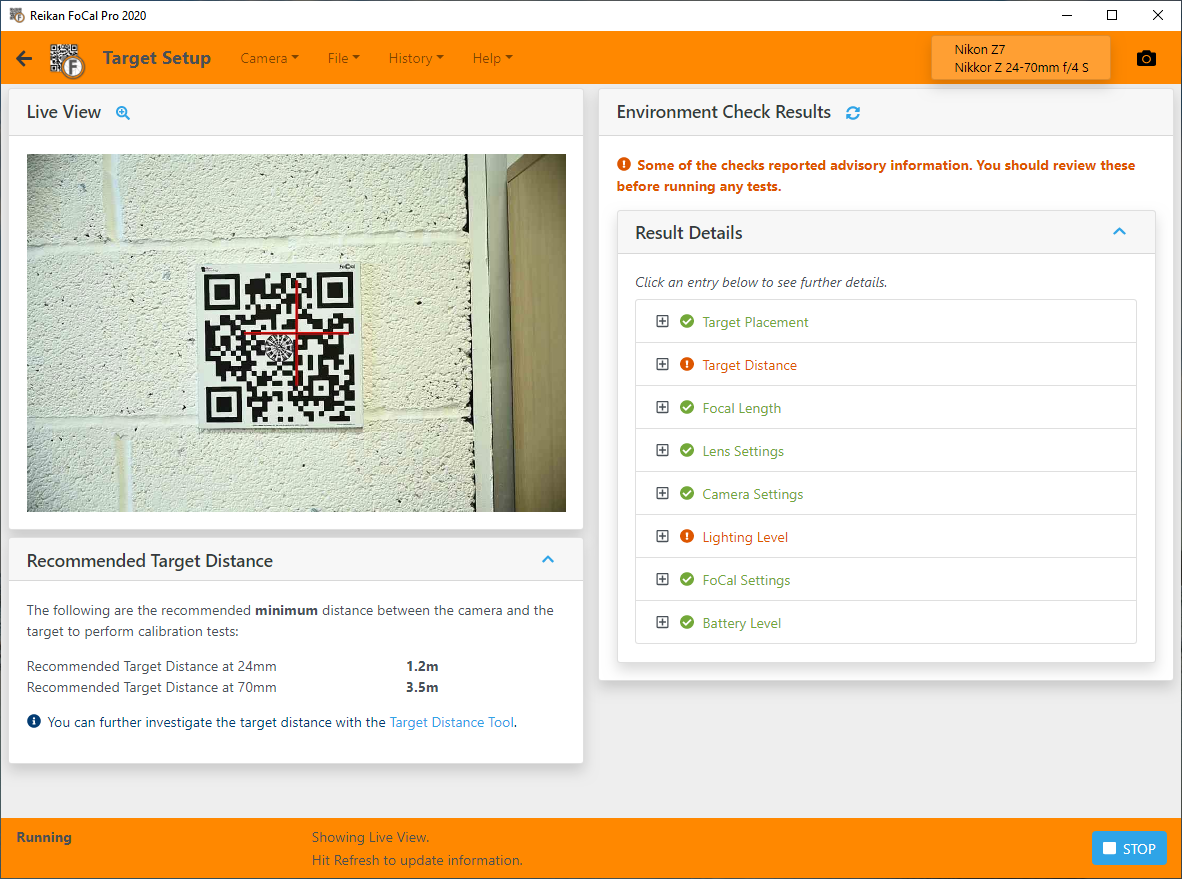
You can see the advisory indicator in the Environment Check Results panel, showing that there is some information about the target distance.
The following states are shown:
 | Warning | Condition that should be corrected before running tests |
 | Advisory | Condition that is unusual and should be checked to ensure it is intended |
 | Untested | Not all settings can be checked. Check these manually |
 | OK | Checks passed without issue |
Click an entry to see more information. In this example, clicking Target Distance shows:
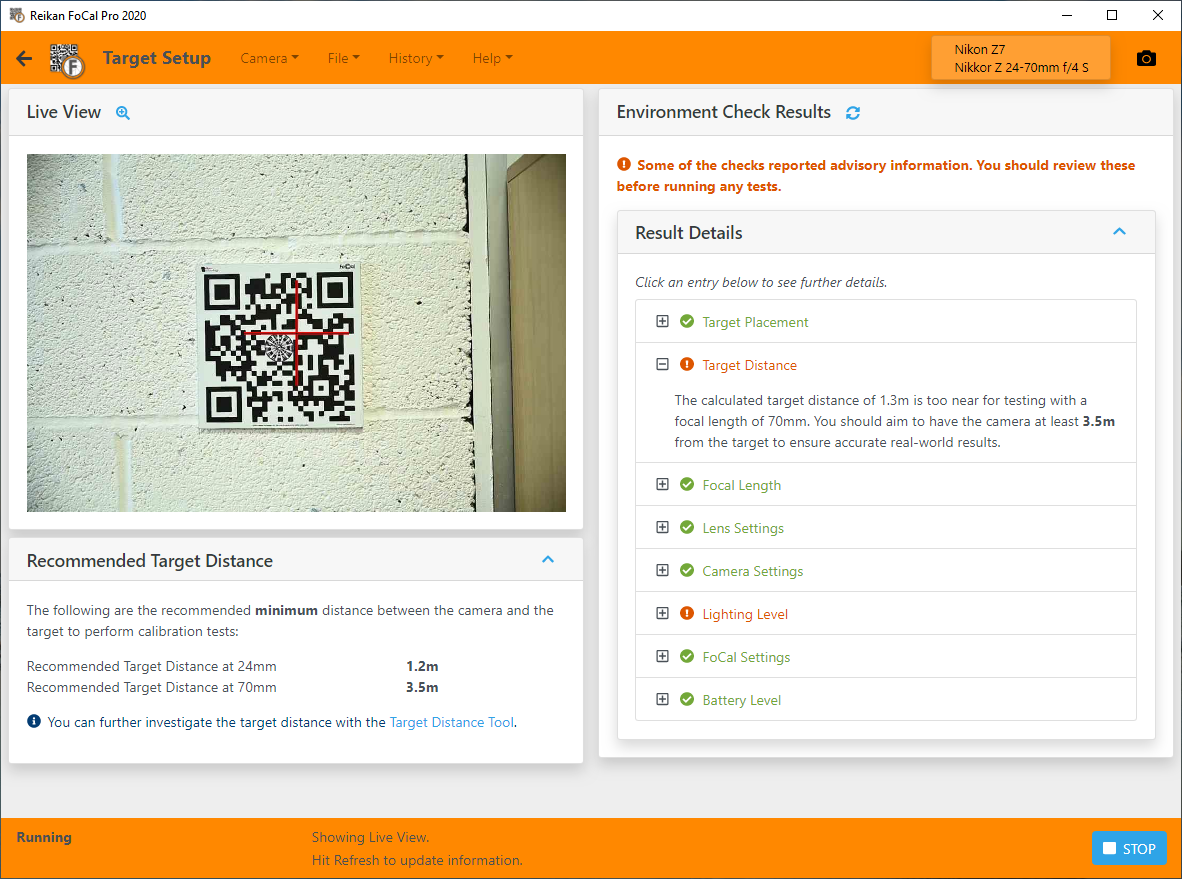
The camera should be at least 3.5m from the target but is only about 1.3m away, so the camera or the target needs to move further apart.
After making changes, click the refresh button next to the Environment Check Results title to check again.
While Target Setup is running, the camera's controls are locked. To change something on the camera, use the click here link in the Environment Check Results panel rather than unplugging the camera: see Camera Settings – Target Setup Utility.
Finishing
When there are no warnings left, click Finish Checking on the bottom bar. You can then go to the test you want to run.
Further Details
More about each check:
Target Placement – Target Setup Utility
Target Distance – Target Setup Utility
Focal Length – Target Setup Utility
Lens Settings – Target Setup Utility
Camera Settings – Target Setup Utility
Lighting Level – Target Setup Utility