Snapshots – Camera Tab
The Camera tab connects to and disconnects from a camera, and captures a Snapshot of all the camera's settings.
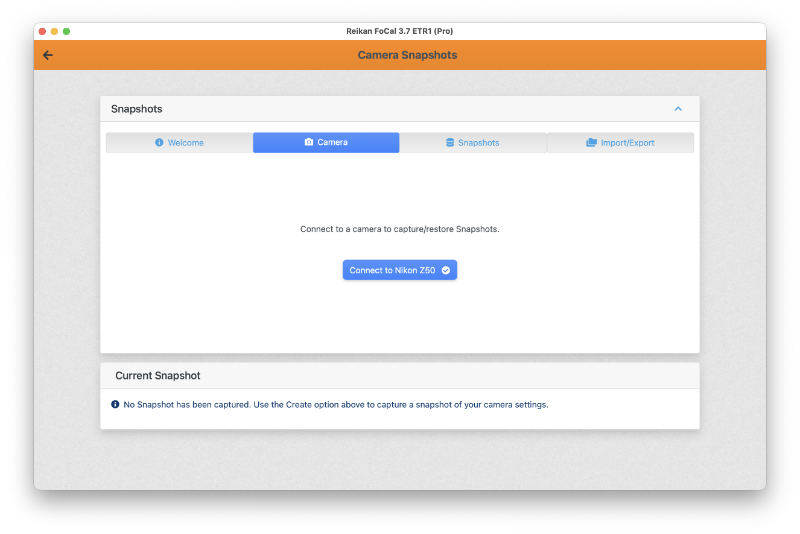
With a camera plugged in to your computer (but not yet opened in FoCal), the tab looks like this:
Unsupported Cameras
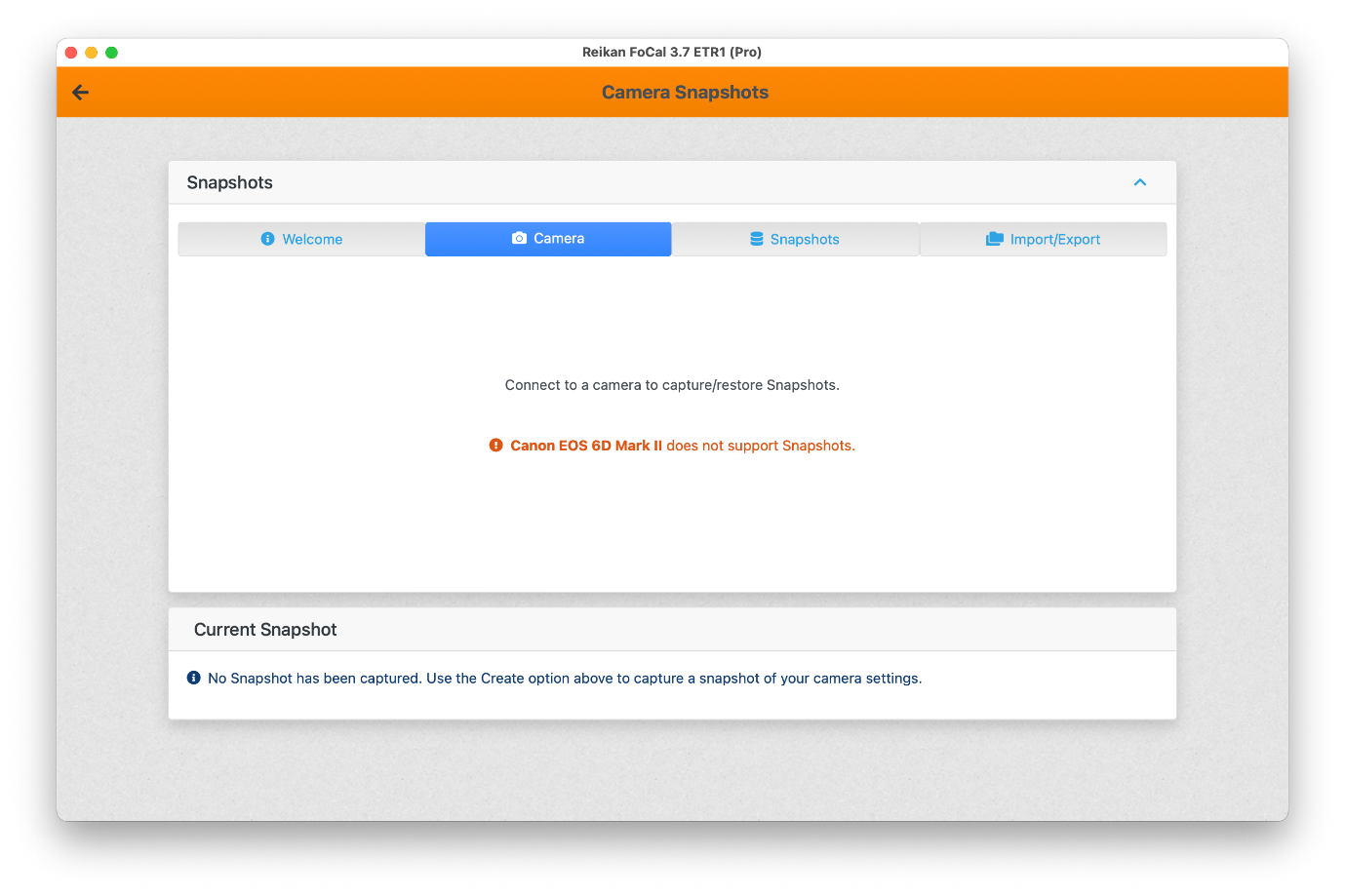
Not every camera supports Snapshots. If yours doesn't, FoCal tells you.
To see which cameras support Snapshots, go to Help › About and open the Cameras tab.
Connecting and capturing a Snapshot
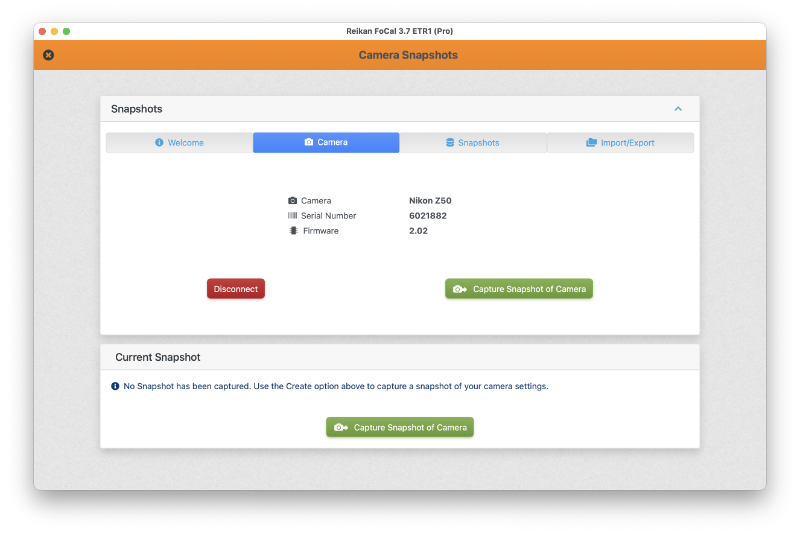
Click Connect. FoCal shows a summary of the camera, with Disconnect and Capture Snapshot of Camera.
Click Capture Snapshot of Camera to take a Snapshot of the camera's settings:
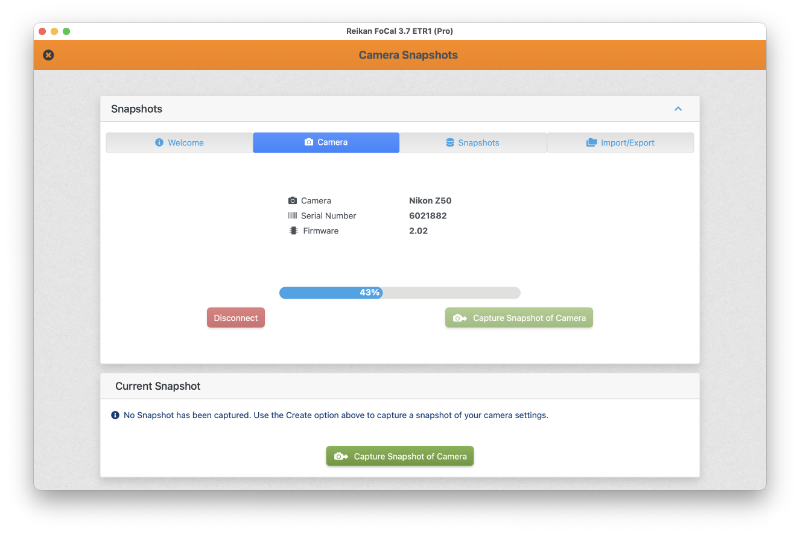
The new Snapshot opens on the Snapshot tab. See Snapshots – Snapshot Tab.